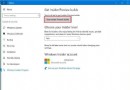
Windows 7/8 可免費升級 Windows 10,不想裝雙系統、不想重灌,直接升級教學。
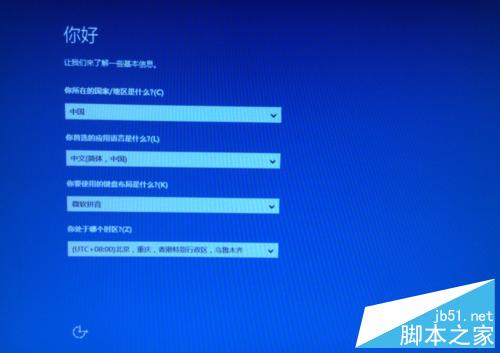
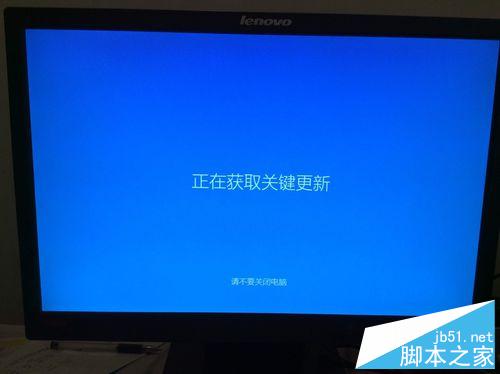
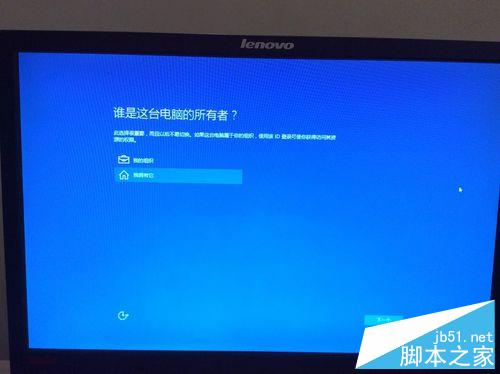
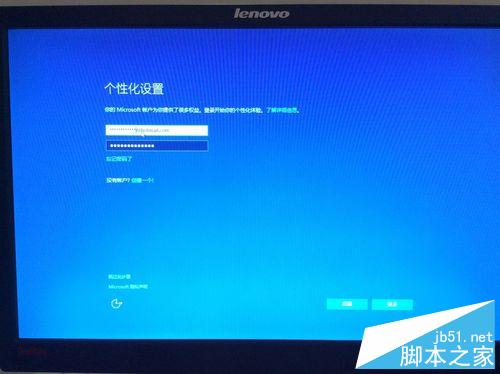
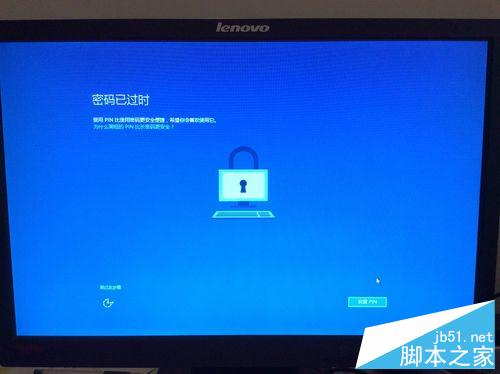
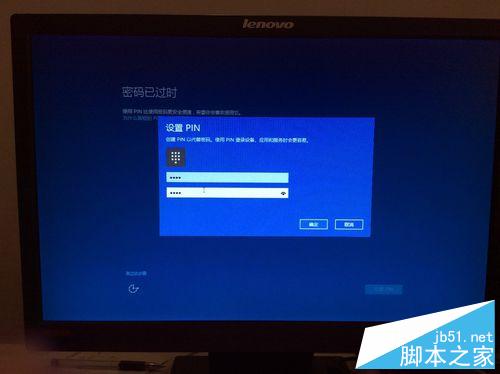
依步驟操作即可成功升級,預祝順利!
Win7 系統卡頓怎麼辦?用「Windows 體驗指數」找出效能瓶頸,針對性升級硬體
解決筆記本安裝 XP 後「Microsoft ACPI-Compliant Embedded Controller」驅動異常
Win10 更新後 LOL 幀率鎖 60?關閉 Xbox Game DVR 錄製功能即時解鎖
Boot Camp 安裝 WinXP SP2 更新提示空間不足?登錄新增 Setup 字串值解決
Windows 10 如何查看系統映像版本號?DISM 指令一鍵顯示目標版本資訊
Win10 Mobile 週年更新新功能:設定分類加圖示、全新 Emoji(含忍者貓)、動作中心快捷鈕拖曳排序