升級 Windows 10 後嘗試安裝 Ubuntu 失敗?嘗試使用 EasyBCD 將 Ubuntu ISO 加入開機選單安裝。

準備工作
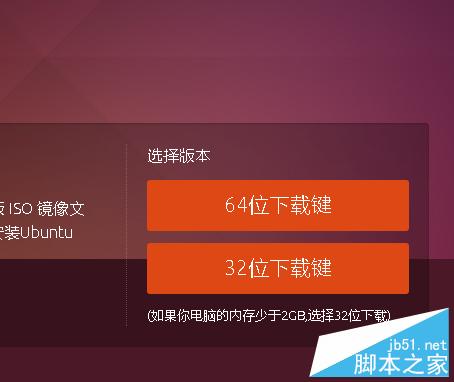
- 下載 Ubuntu ISO(依 CPU 位元選擇 32 位元 x86 或 64 位元 amd64)。
- 下載安裝 EasyBCD 2.2 版。
操作步驟
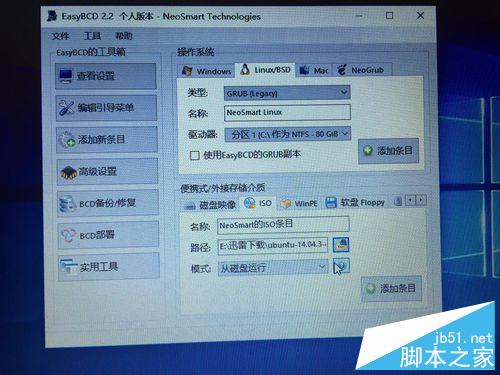
- 開啟 EasyBCD → 「新增開機項目」 → 「ISO」頁籤 → 選擇 Ubuntu ISO → 新增條目。
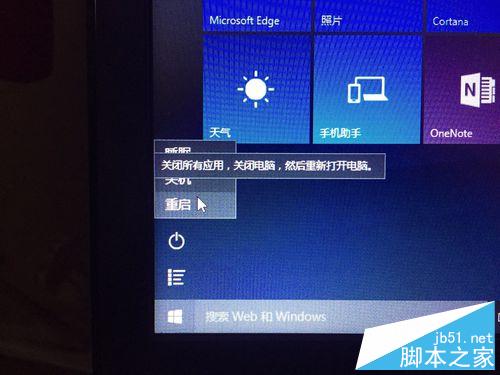
- 重開機,開機選單會出現新增的 ISO 選項,選擇並按 Enter。
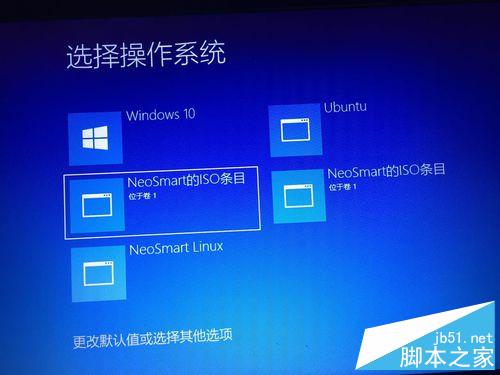
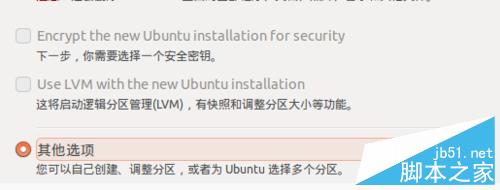
- 進入 Ubuntu 安裝程式,建議斷網加速安裝,選擇「與 Windows 10 共存」而非取代。
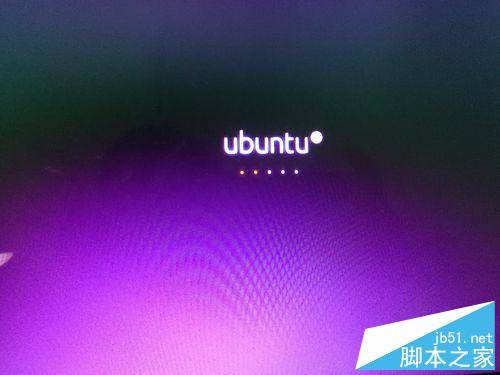
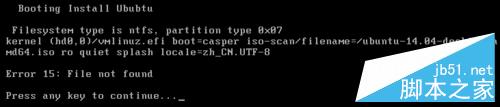
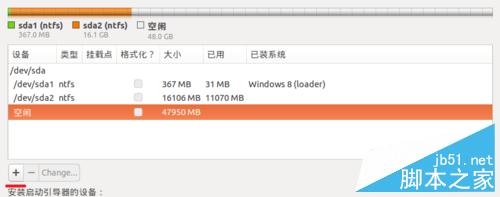
- 設定硬碟分割大小與共存選項 → 完成安裝 → 重開機即可在 Win10 與 Ubuntu 間切換。
注意:部分 64 位元驅動程式在 Ubuntu 可能無法使用,需更新至 32 位元版本。