Win8.1 Modern 應用支援「靠邊顯示」,可並排兩個應用,分割比例可自由調整。
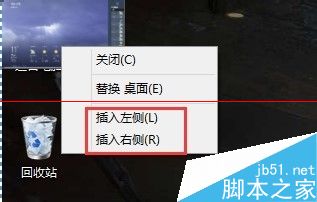
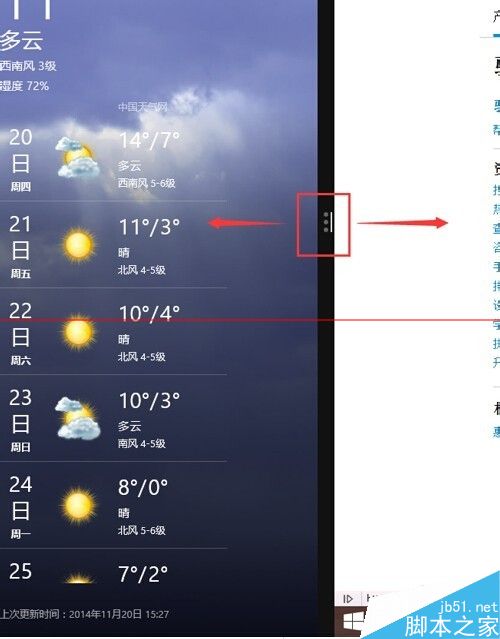
單螢幕也能雙應用並行,參考資料、邊看影片邊聊天更高效。
Win10 升級後降級選項不可用怎麼辦?Windows.old 已失效的解決方案
Win10 任務列全透明/玻璃效果:Classic Shell → Windows 10 設定 → Taskbar look 選 Transparent 或 Glass+Opacity 0
微軟撤回 SHA-2 雜湊演算法更新補丁 (KB2949927):導致部分 Win7/Server 2008 R2 用戶異常,提供移除指引
Win8 關閉 Metro 介面直進桌面:註冊表新增 RPEnabled=0 禁用開始畫面
Windows 8 複製檔案新體驗:單一進度視窗與暫停/續傳功能詳解