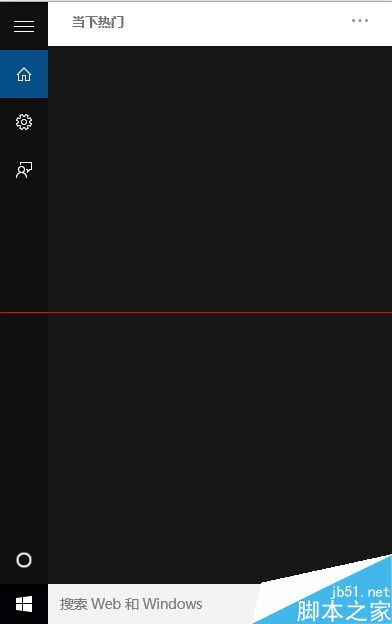
驅動程式正常但小娜無聲,通常為音訊裝置設定錯誤。
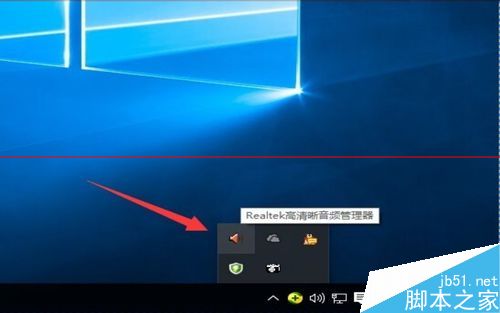
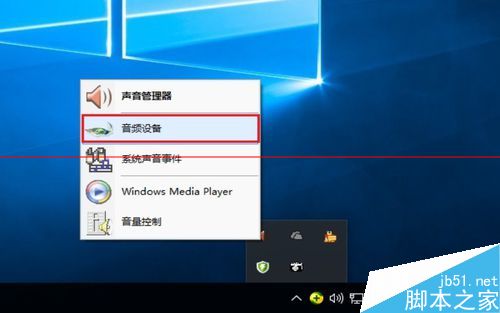
工作列右下角向上箭頭 → 右鍵小喇叭圖示 → 「聲音」。
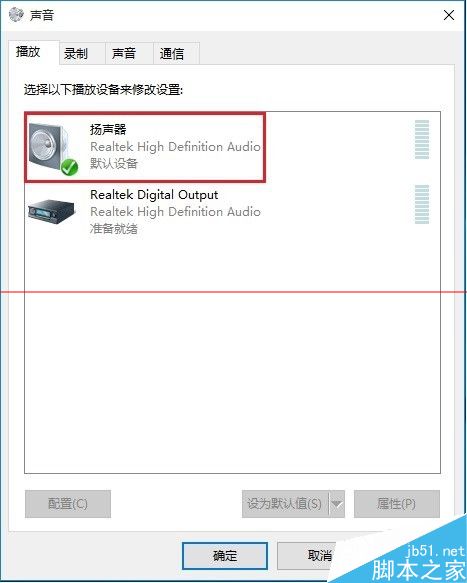
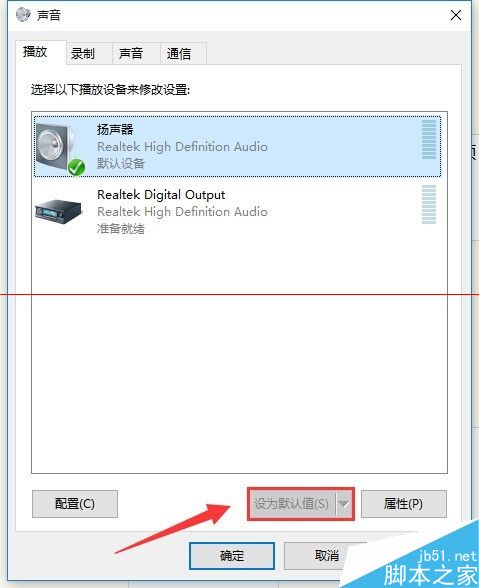
「播放」索引標籤 → 右鍵「揚聲器」 → 「設為預設裝置」 → 「確定」。
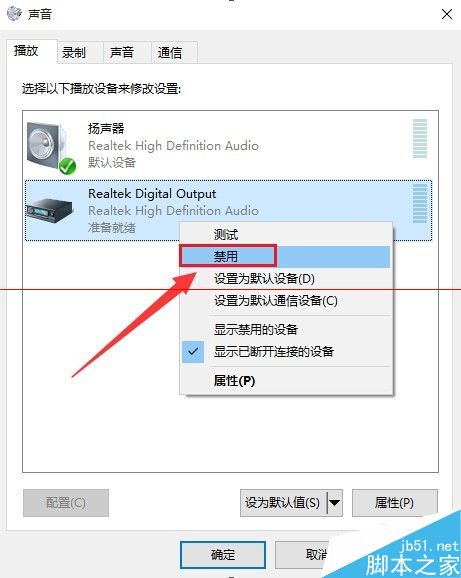
右鍵除「揚聲器」外的其他裝置 → 「停用」。
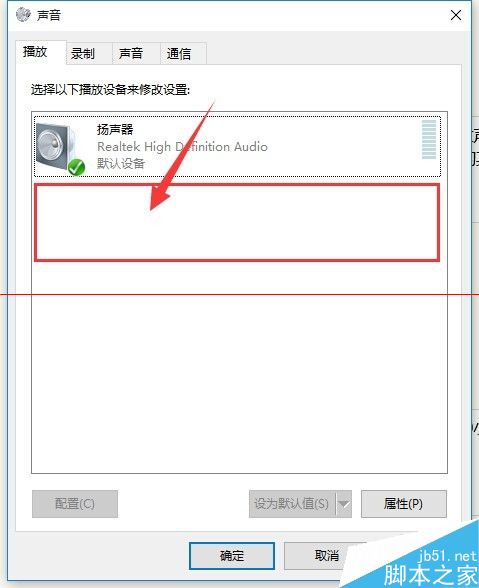
完成上述設定後,小娜語音回應應恢復正常。
Windows 10 CPU/磁碟 100% 佔用、記憶體暴漲綜合優化指南:虛擬記憶體、家庭群組、Defender、Superfetch、啟動項三大面向 18 項調教
解決 Windows 10 連接埠 80 被佔用問題:三種停用 HTTP 服務方法
Win10 無線網卡 RTL8192DE 無法使用?改用 Atheros 驅動即可解決
Windows 7 防火牆設定完整教學:開啟、允許程式通過與進階管理
無視微軟官方工具:UltraISO 製作 Win10 安裝 USB 完整教學 (支援 UEFI/BIOS 雙模式)
Win7 命令提示字元建立/刪除環境變數教學 (臨時與永久兩種模式)