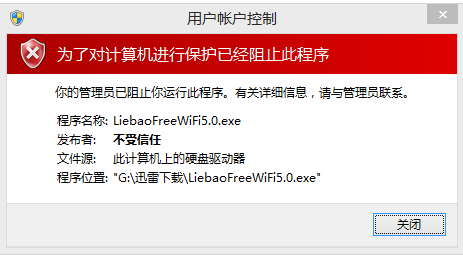
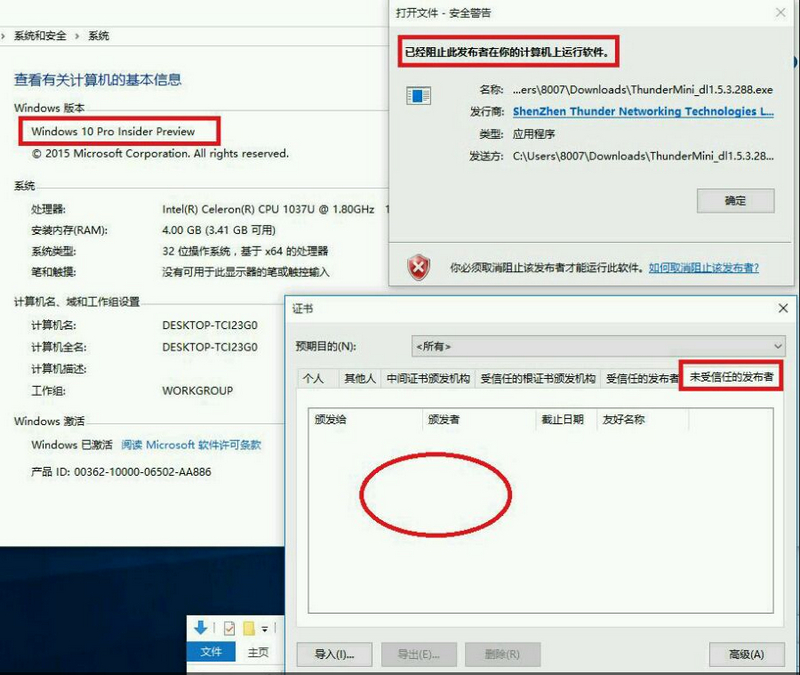
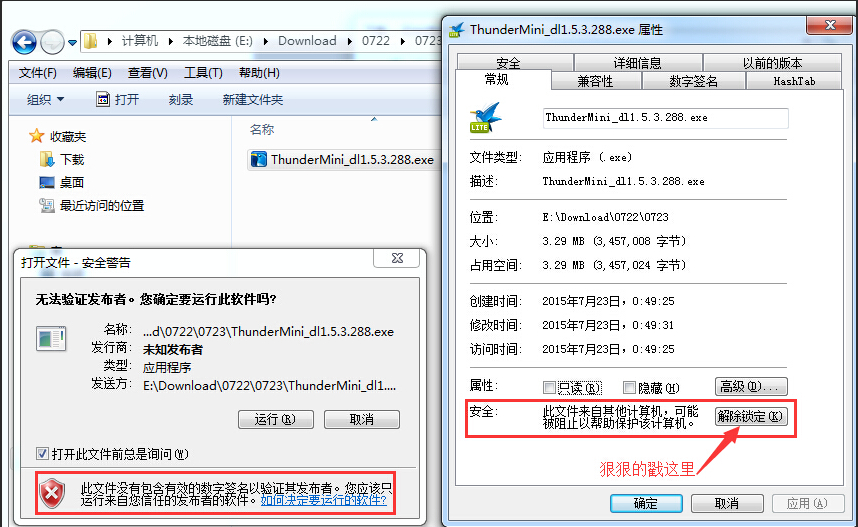
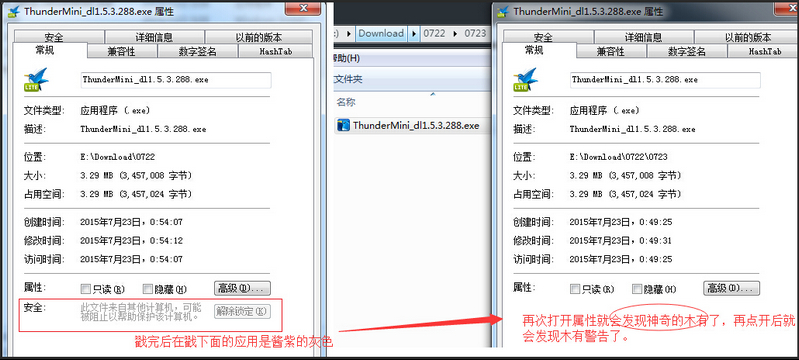
執行下載的安裝檔彈出「已阻止發行者」,無法安裝。
注意:Win10 比舊版更嚴格,直接阻擋安裝;XP/Win7 僅警告仍可執行。若「非受信任的發行者」清單為空,請用方法一。
Windows 7 防火牆功能詳解與開啟設定圖文教學
Win8 vs Win7 深度對比:Modern UI、動態磚塊、雲端同步、觸控優化、開機極速、相容性佳、資源管理器改版、電源管理新特性、PC 體驗妥協、移動優先策略
Windows 10 取消開機登入密碼:netplwiz 自動登入設定圖文教學
Win10 正式版開始選單與 Cortana 嚴重錯誤:暫時解法為進入安全模式後重啟
Win7 修改 CMD 命令提示字元視窗背景顏色:登錄檔 DefaultColor 十六進制自訂
Win10 如何修改 IP 地址?网络和共享中心图文教程
Windows 10 掃描功能使用教學:透過控制台「裝置和印表機」啟動掃描並匯入影像
Win8/8.1 微軟輸入法中英切換、全半形快速鍵完整表