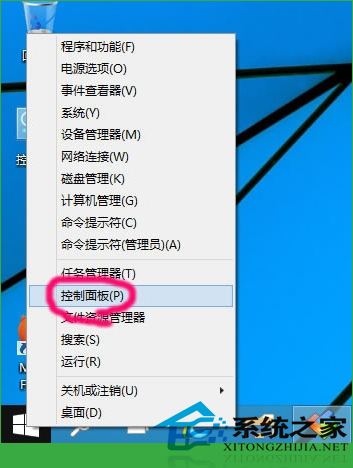
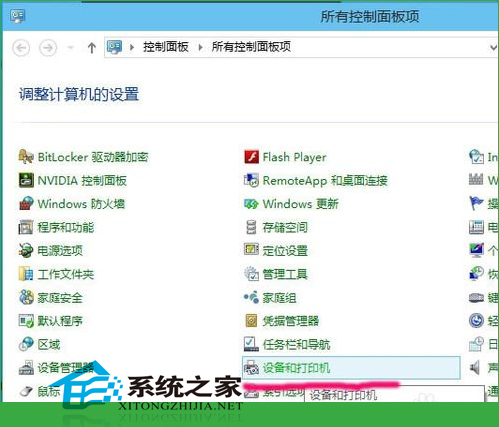
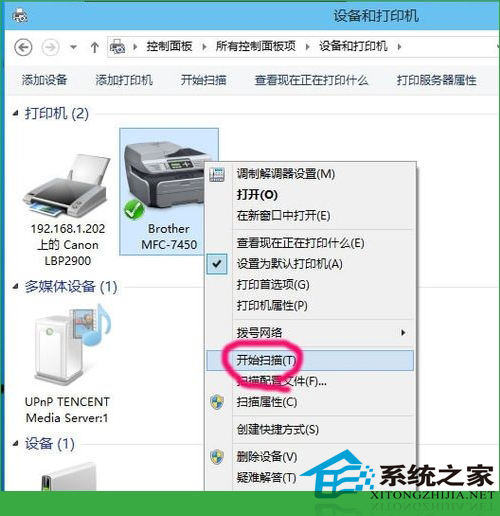
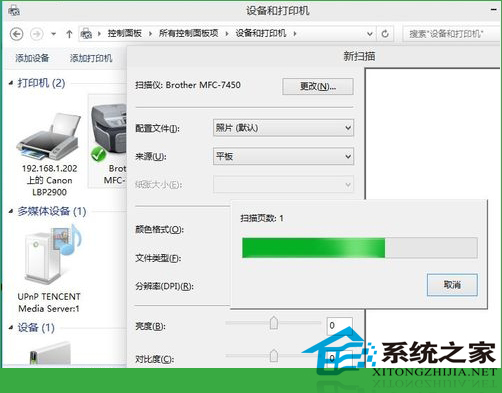
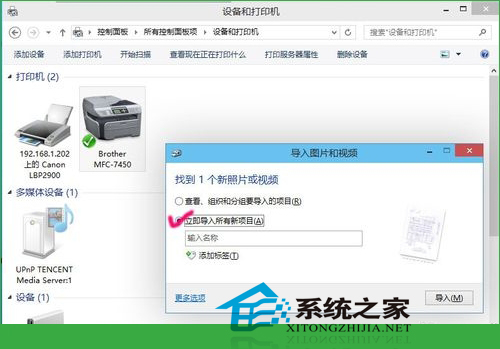
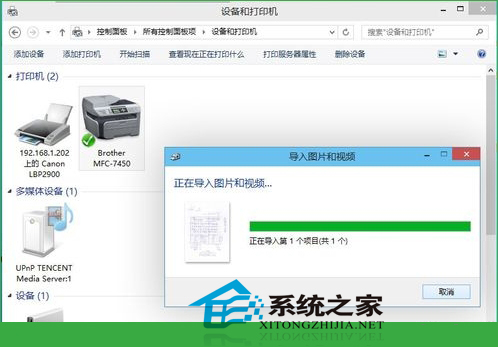
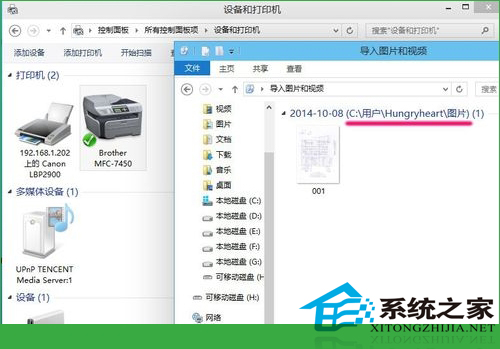
Windows 10 整合掃描功能於「裝置和印表機」,支援多功能印表機/掃描儀直接掃描匯入。
文件\圖片
Windows 磁碟檢查工具 chkdsk 完整使用教學:參數詳解與實戰範例
Win7 電腦黑畫面九大常見原因與解決對策完整指南
7 月 29 日微軟宣布 Win10 應用商店正式向開發者開放:跨 190 國通用平台
Windows 8 啟用休眠與睡眠選項:讓關機選單更完整
升級 Win10 正式版後觸控板手勢有哪些變化?11 個必學多點觸控手勢圖解
Win7 建立虛擬硬碟 (VHD) 完整圖文教學:從建立、初始化到分區掛載
Win10 Mobile Build 10080 因多項 Bug 取消慢速通道推送,下一版再更新
Win8操作中心管理與徹底關閉教學:關閉特定提醒、隱藏圖示、群組原則移除圖示