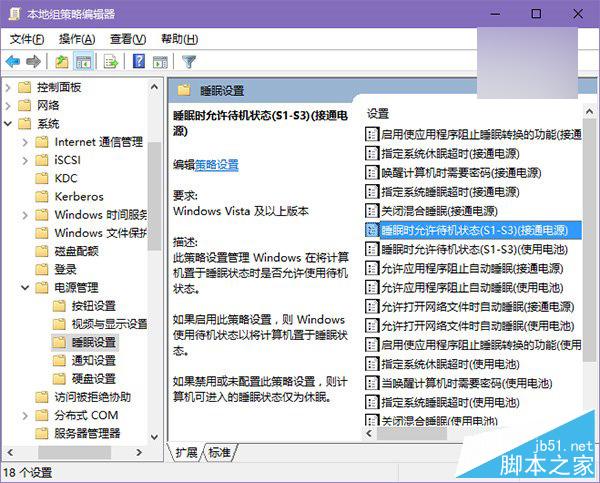
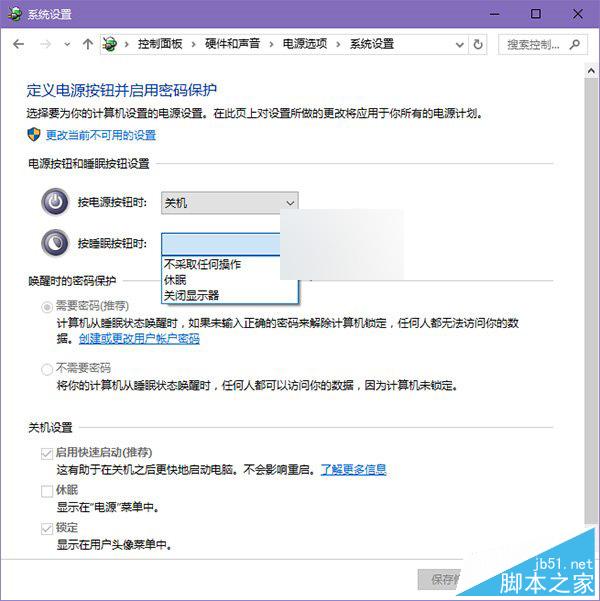
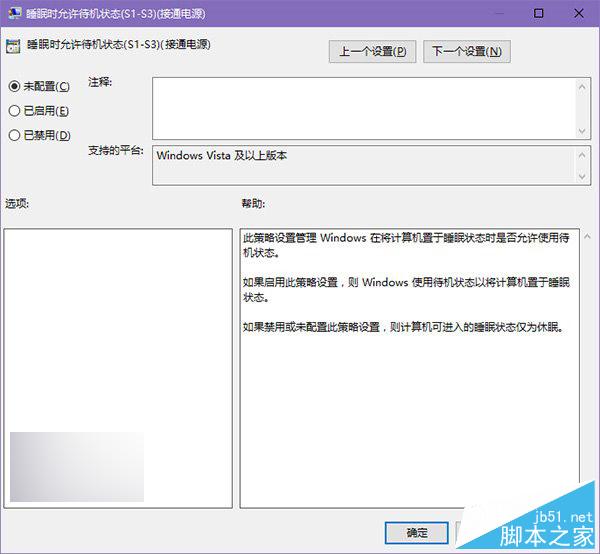
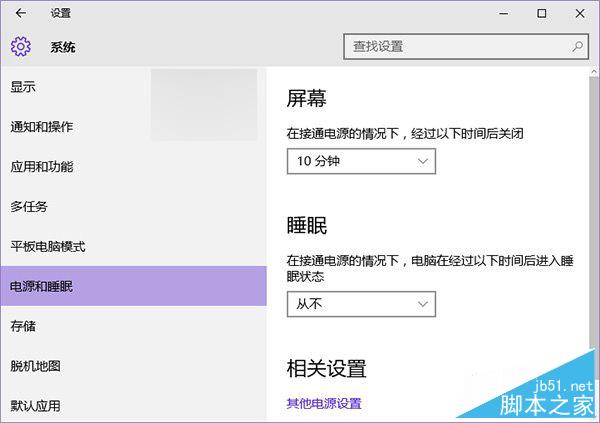
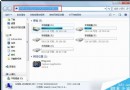
升級 Win10 後睡眠功能消失 (控制台/現代設定均找不到),因群組原則錯誤停用,僅限專業版/企業版可修復:
電腦設定 → 系統管理範本 → 系統 → 電源管理 → 睡眠設定
家庭版無群組原則功能,此法不適用。修復後睡眠功能完整恢復。
Win10 關閉麥克風增強效果完整設定:錄音裝置屬性進階頁籤
Windows 10 筆電開啟行動熱點/虛擬 Wi-Fi 完整指令教學(含網際網路共享設定)
Windows 10 / WP 開發者免費申請 Xamarin 跨平台工具訂閱(8/31 截止)
Win Server 2003 遠端桌面如何切換到主控台模式?
Win8 Metro 應用程式自動更新關閉:商店→設定→應用程式更新→關閉自動更新
Win7 任務列 IE 圖示不見了?兩招秒找回
Windows 7 解除安裝迅雷影音後仍彈出「影音資訊」?刪除殘留檔案徹底清除
Win10 DX12 API 效能實測:新舊顯卡效率驚人提升 6-11 倍