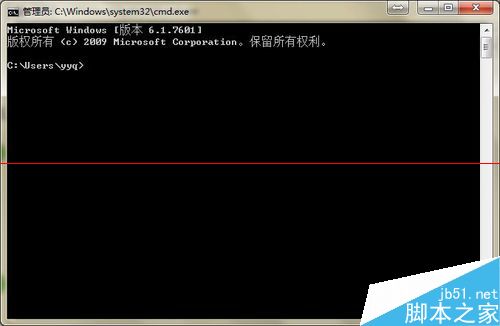
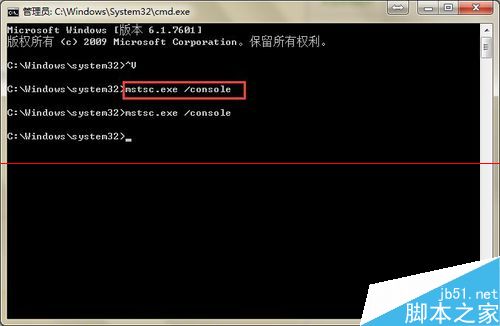
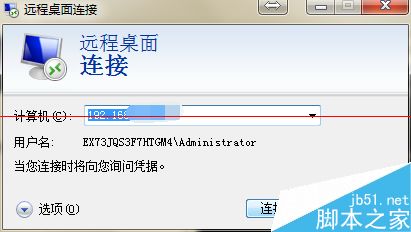
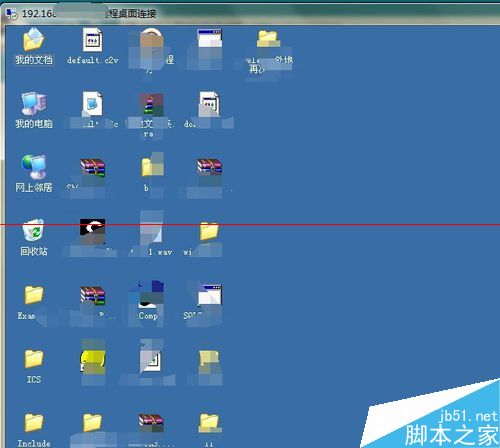
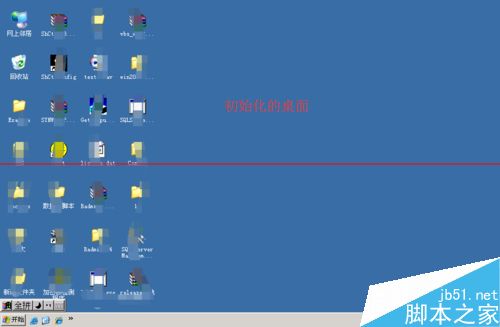
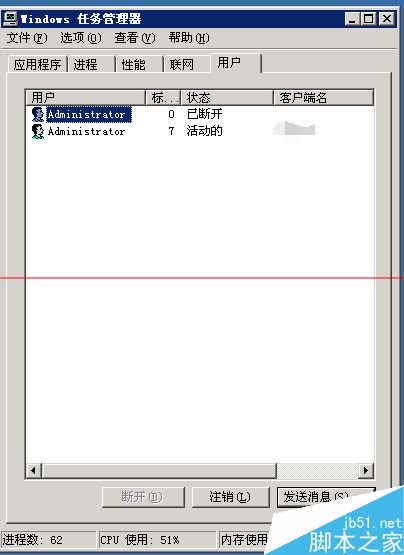
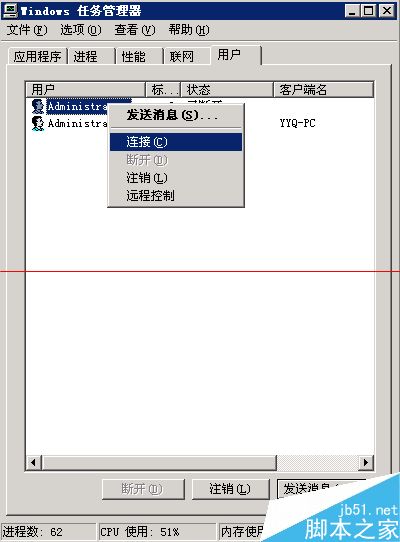
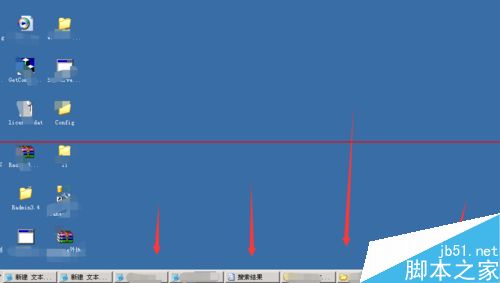
Server 2003 遠端桌面為多使用者模式,需切換至主控台才能看到原始桌面:
mstsc.exe /console
主控台模式適用於需查看實體主機桌面的管理場景。
Win10 一周年更新(1607)六大核心新功能深度解析
U盤安裝 Windows 10 完整教學:使用「U當家」輕鬆打造開機隨身碟
Win7 Word 提示「斷字功能不可用」兩種解法:取消西文斷行或安裝校對工具
Win10 如何將「碼錶」釘選到「開始」選單?鬧鐘與時鐘應用操作教學
Win7 刪除不明帳戶權限,強化系統安全
無法執行 gpedit.msc(群組原則)?六大修復方案與註冊表一鍵修復包
微軟再推 KB2952664 更新 Win7 助升級 Win10 不想升級請隱藏或移除
升級 Windows 10 系統需滿足條件?官方硬體規格完整說明