資料夾「安全性」索引標籤中若出現無法辨識的帳戶(通常顯示為長串 SID 碼),可能是舊使用者遺留或惡意軟體建立。為確保安全,建議移除這些不明權限。
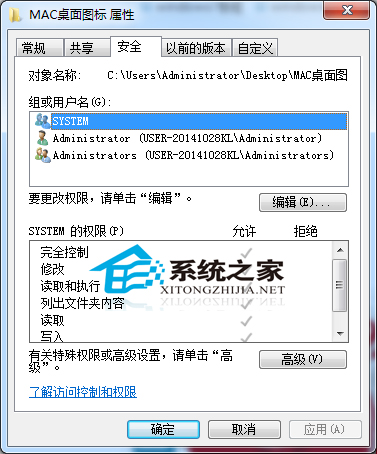
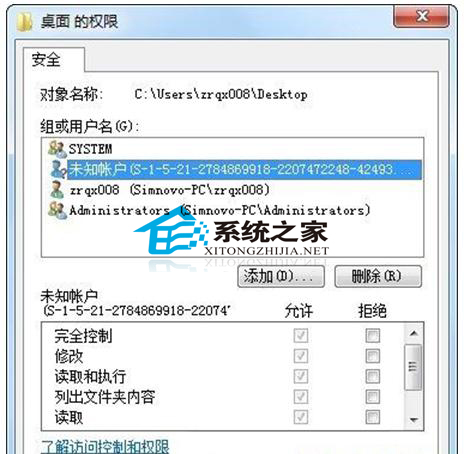
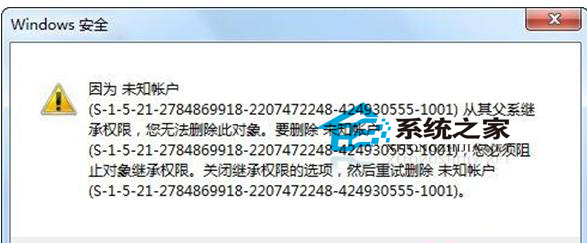
定期檢查關鍵資料夾權限,移除不明帳戶,可降低資料外洩或被竄改風險。
Win10 控制台在哪?開始選單找不到?兩大最快入口:所有應用 / 右鍵開始按鈕
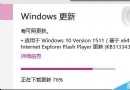
Win10 安裝 KB3135173 後系統「痙攣」狂彈通知?卸載更新 + 清理第三方應用雙管齊下
Win10 設定開機問候語:gpedit.msc → 安全性選項 → 互動式登入訊息標題/文字
Windows 10 Build 10125 修復 Edge (斯巴達) 瀏覽器核心問題:支援全螢幕播放、設定分頁、釘選面板
Win10 提示「電腦記憶體不足」實為顯卡記憶體不足?BIOS 調整顯存解決法
Windows 7 檔案無法複製貼上?鍵盤滑鼠皆失效,三步驟修復磁碟錯誤恢復正常