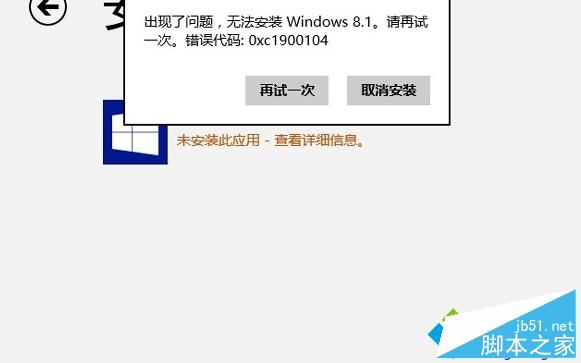
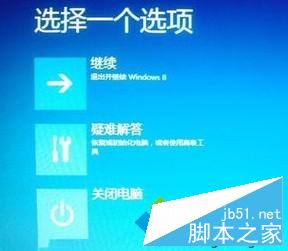
升級 Win8.1 遇「無法更新系統保留分區」錯誤,解決流程:
透過廠商恢復工具修復保留分區問題。
Win10 可以不啟用嗎?不啟用後果:平均 1-3 分鐘卡頓 1-3 秒,啟用教學附試用金鑰
Win7 硬碟指示燈狂閃不停?三大原因與解決方案:停用服務、取消壓縮索引、關閉系統還原
Windows 7 解決 QQ 主面板自動隱藏與視窗最大化衝突:三種替代方案
Win 10 磁碟分區合併操作完整教學:以 E、F 槽為例
Win10 安裝 CAD2016 提示「全鎖無效或未安裝」?啟用 FlexNet Licensing Service 64 服務即可解決
Windows 8 安裝與使用 Bitcoin Miner 比特幣挖礦客戶端完整教學
Windows 10 免費升級:盜版 Win7/Win8 能否免費升級成正版 Win10?
Win10 預設播放裝置從耳機切換為揚聲器:mmsys.cpl 快捷指令 vs 任務列右鍵雙法圖解