Win8.1 打开“计算机管理”提示“该文件没有与之关联的程序来执行该操作”,实为 .exe 文件关联损坏。导入注册表修复 HKEY_CLASSES_ROOT\.exe 与 exefile 键值即可恢复。
Windows Registry Editor Version 5.00
[HKEY_CLASSES_ROOT\.exe]
@="exefile"
"Content Type"="application/x-msdownload"
[HKEY_CLASSES_ROOT\.exe\PersistentHandler]
@="{0910f2470-bae0-11cd-b579-010002b30bfeb}"
[HKEY_CLASSES_ROOT\exefile]
@="Application"
[HKEY_CLASSES_ROOT\exefile\shell\open\command]
@="\"%1\" %*"
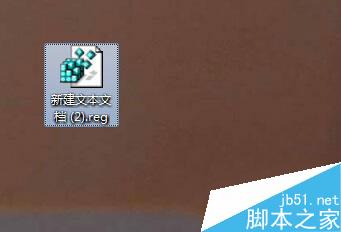
FixExeAssociation.reg(显示扩展名,改 .txt 为 .reg);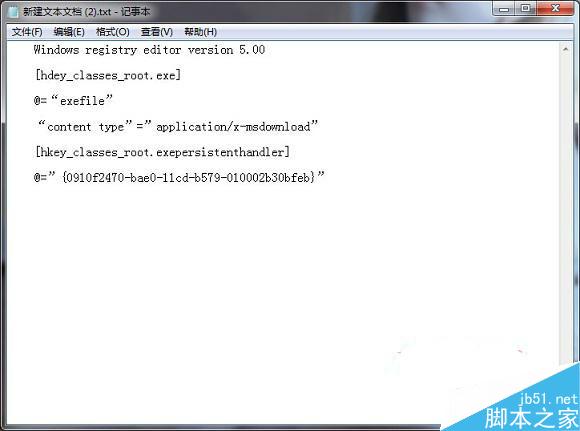
同理可修复 .lnk (lnkfile)、.bat (batfile)、.cmd (cmdfile) 等关联损坏,只需替换对应 ProgID 与命令模板。