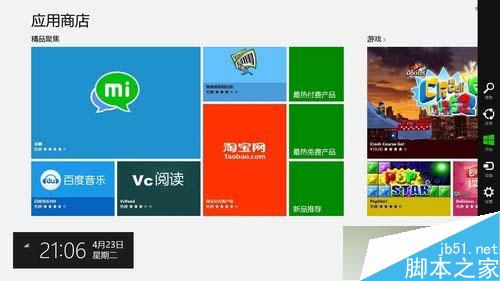
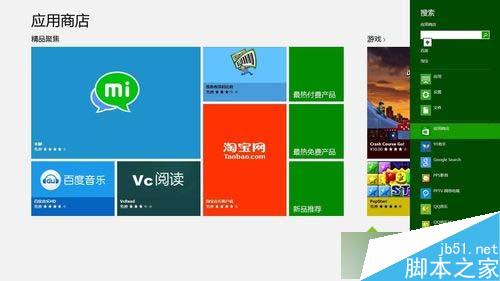
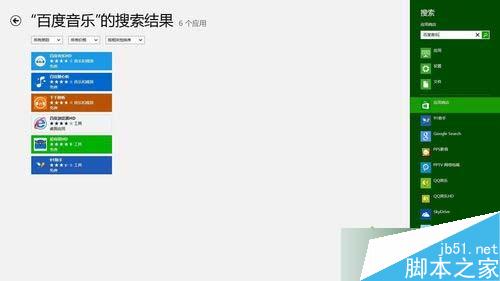
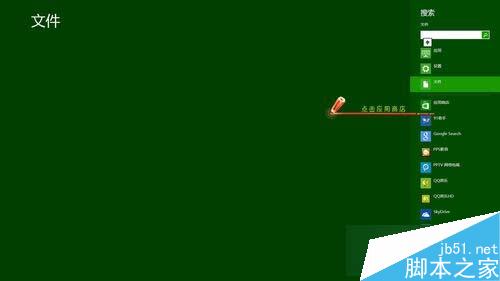
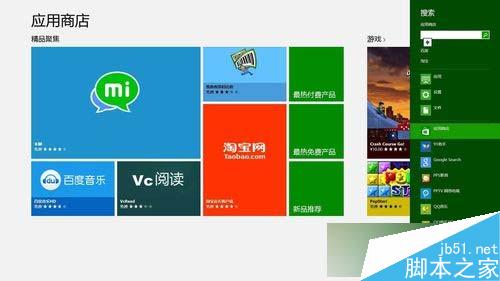
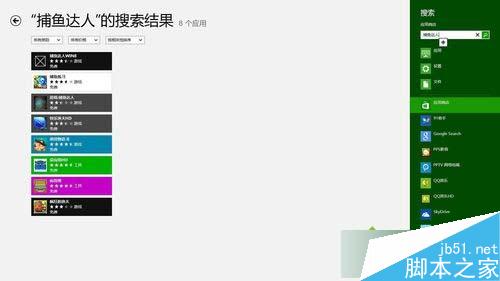
Win8 應用商店搜尋兩種叫法:
文章附魅力列、搜尋介面、應用商店結果截圖,操作直觀易懂。
Win10 如何將預設瀏覽器從 Edge 改為 IE?雙重設定法圖解
Win10 工作列找不到「顯示搜尋方塊」?關閉小工作列按鈕即可恢復
Windows 10 Mobile 系統截圖曝光:Build 10149 Edge 瀏覽器加入、地址列歸位底部
WinPE 系統下用 SuperPi 給 CPU 測速:大白菜 U 盤啟動盤實戰教程
Windows 8 BitLocker 磁碟分區加密完整教學:從啟用到金鑰備份與解密
Win10 正式版預設瀏覽器無法在瀏覽器內修改?必須在系統設定→預設應用程式→Web 瀏覽器變更
Win10 如何安裝 12306 根憑證?圖文教學確保購票無憂
Win7 格式化 USB 提示「Windows 無法完成格式化」兩大解法:360 U盤鑑定+低階格式化、CMD format 指令強制格式化