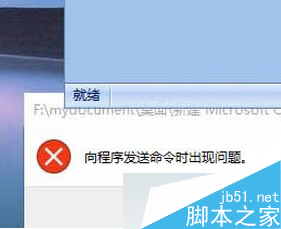
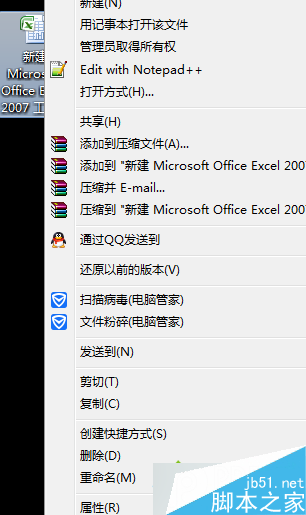
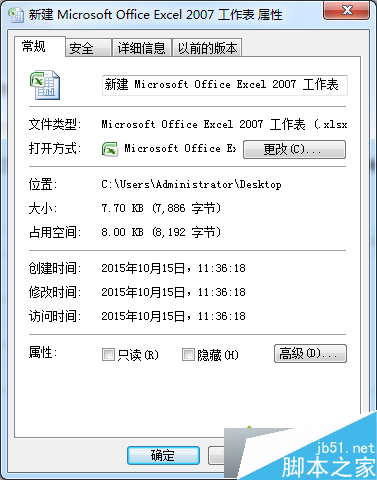
Win8 開啟 Excel 跳出錯誤訊息,兩步驟修復:
文章附相容性與 Excel 選項設定截圖,操作後即可正常開啟活頁簿。
Win10 預覽版登錄表修改找回 Win8.1 風格右側滑出網路清單
Win10 週年更新 14393.447 累積更新 KB3200970 修復內容完整彙總
Windows 7 關閉系統還原釋放磁碟空間
升級 Win10 後好卡?微軟官方建議:關閉透明效果一鍵加速,老筆電加記憶體換 SSD
Win10 Mobile 10136 單手模式實測影片:長按開始鍵畫面下沉,大螢幕單手操作無壓力
Windows To Go 無法存取 Windows 應用商店?群組原則開啟存取權限
Windows 10 待機自動關閉硬碟省電設定:電源選項進階配置教學
Windows 7 開機黑屏僅顯示滑鼠游標?三步驟修復 explorer.exe 缺失