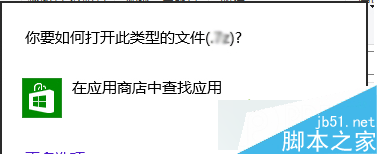
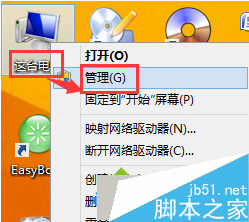
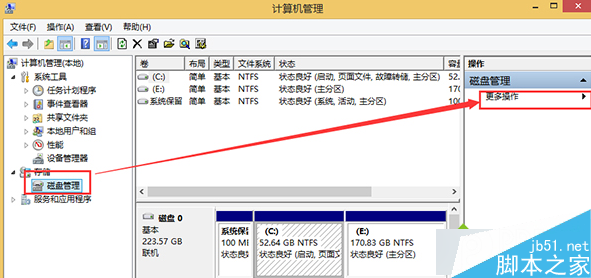
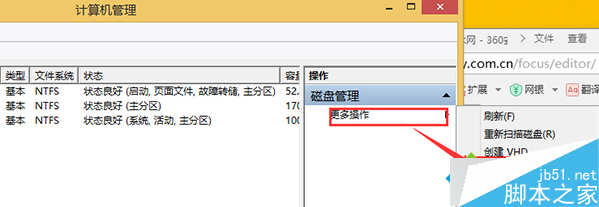
VHD (Virtual Hard Disk) 為虛擬硬碟格式,Win8.1 雙擊無法直接開啟。解決:右鍵「我的電腦」→「管理」→「磁碟管理」→「更多動作」→「連結 VHD」→ 選取 VHD 檔案 → 掛載後即可在檔案總管存取。文章附磁碟管理操作截圖,步驟簡單明瞭。
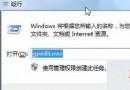
Win7/8.1/10 命令列快速設定靜態 IP 與 DNS 完整指令教學
Lumia 925 實測 Windows 10 Mobile 10586 預覽版體驗影片
Win10 系統時間改 24 小時制:設定 → 時間與語言 → 格式 → 變更短/長時間格式
Win10 記憶體驅動程式異常?裝置管理員卸載重裝解決硬體衝突
Win8 顯示桌面三大速技:Win+D、滑鼠右下角熱區、Alt+Tab 切換桌面項目
Win10 技術預覽版禁止自動更新教學:破壞下載目錄法
Windows 7 筆電開啟 Wi-Fi 熱點完整教學:BAT 腳本 + 連線共享 + 防火牆設定
Win10 OneNote 啟用自動同步筆記本功能圖文教程