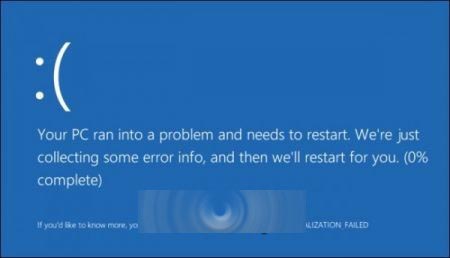
微軟推送 Win10 Insider Preview 10565 (x64) 十月更新 KB3105208,導致部分使用者安裝後藍畫面、無法進入桌面:
解決辦法:
- 進入 BIOS/UEFI 設定,關閉 Secure Boot(安全開機)。
- 重新開機,進入系統後解除安裝 KB3105208 更新。
- 重開機確認更新移除。
- 再次進入 BIOS/UEFI,重新啟用 Secure Boot。
替代方案: 若有建立還原點,可直接執行系統還原復原。
相關推薦:
- Win10 10565 升級失敗藍畫面重啟怎麼辦?
- Win10 10565 最詳細下載安裝教學
- [下載] Win10 Build 10565 64位 ISO 鏡像
- Win10 10565 釋出兩枚更新補丁含 IE Flash 安全補丁