Win10 移除了 XML 控制開始選單背景的原生功能,但可透過第三方工具 (如軟媒魔方) 配合 XML 資訊清單檔與快取重整,實現磚塊背景色、圖示、標題顯示的完整自訂。
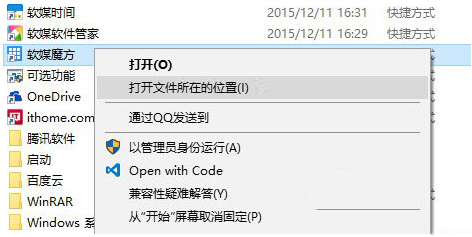
pcmaster.exe 所在資料夾。pcmaster.VisualElementsManifest.xml (去掉 .txt)。<?xml version="1.0" encoding="utf-8"?>
<Application xmlns:xsi="https://www.w3.org/2001/XMLSchema-instance">
<VisualElements
ForegroundText="light"
BackgroundColor="#49825a"
ShowNameOnSquare150x150Logo="on"
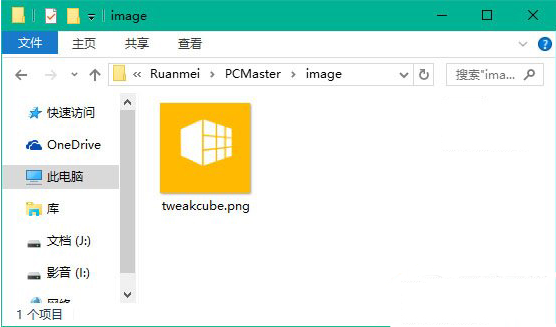
Square150x150Logo="image\tweakcube.png"
Square70x70Logo="image\tweakcube.png" />
</Application>
pcmaster.exe 同目錄。若有自訂圖示,在同目錄建 image 資料夾放入 tweakcube.png。for %f in (*.*) do copy /b "%f" +,,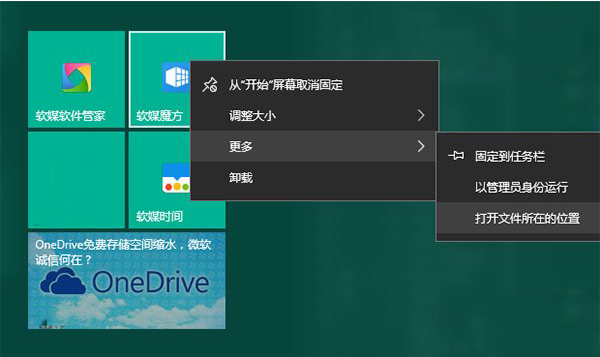
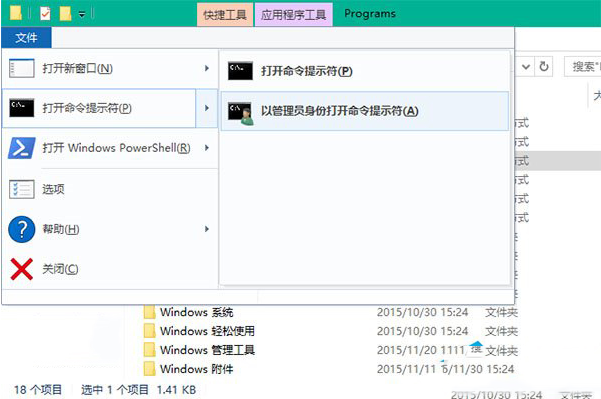
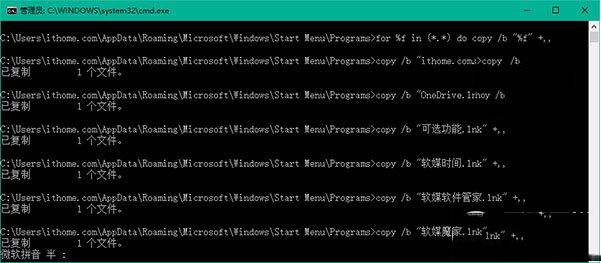
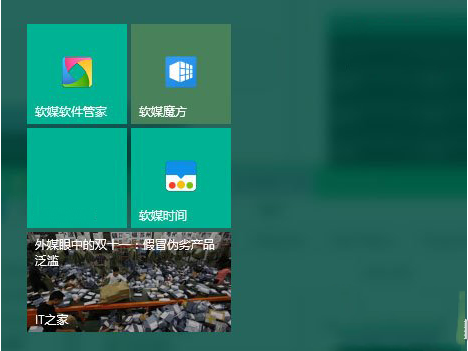
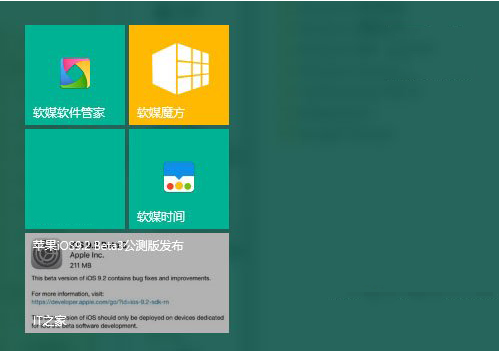
ForegroundText:標題顏色 light(白) / dark(灰)。BackgroundColor:背景色 16 進位 RGB (如 #49825a)。ShowNameOnSquare150x150Logo:是否顯示名稱 on/off。Square150x150Logo / Square70x70Logo:中/小尺寸磚塊圖示相對路徑。同理可自訂其他釘選應用的磚塊外觀。