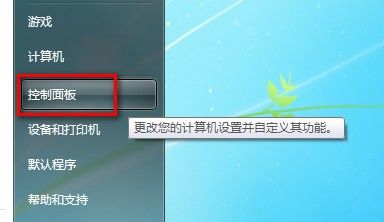
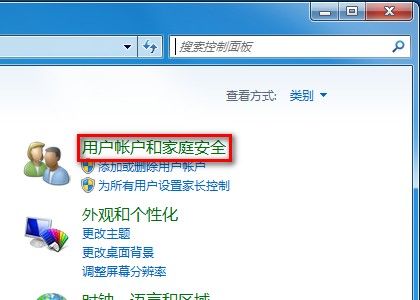
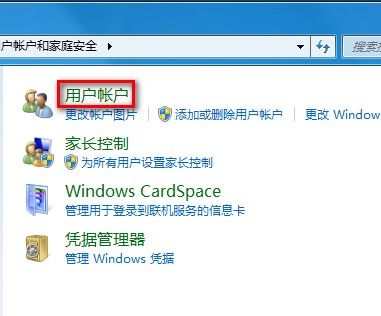
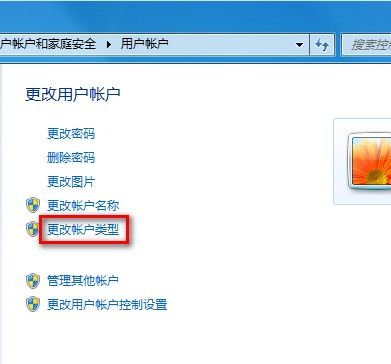
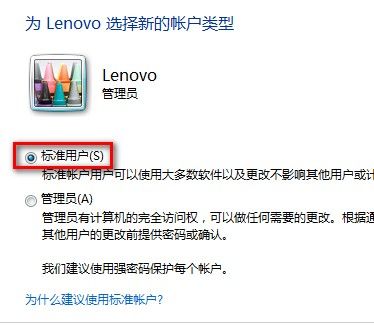
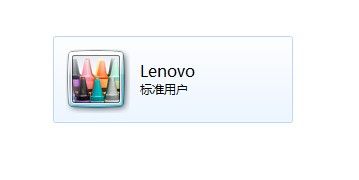
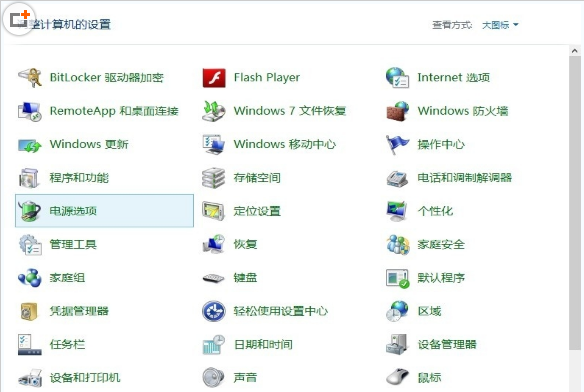
將日常使用帳戶從管理員降級為標準使用者,可大幅減少惡意軟體竊取系統權限風險:
注意:若該帳戶為電腦唯一管理員帳戶,系統將禁止降級,需先建立另一管理員帳戶。
IE11/10 新分頁「常用網站」被刪除後如何精準恢復?
Win7 安裝 Office 2010 提示 MSXML 6.10.1129.0 解決辦法
Win7 雙擊 .jar 檔案無法開啟?註冊 javaw.exe 關聯修復執行參數
Windows 錯誤訊息視窗內容無法複製?Ctrl+C 一鍵複製到記事本
Win10 Insider 計畫加入步驟圖解:微軟官網登入 Microsoft 帳號、接受隱私條款即可
Win10 首个服务发布包 SR1 下周推送:仅修复 Bug,无新功能
Windows 10 應用商店應用與遊戲年齡分級要求細節曝光,統一開發者中心上路
Windows 8 新增/移除輸入法完整圖解教學