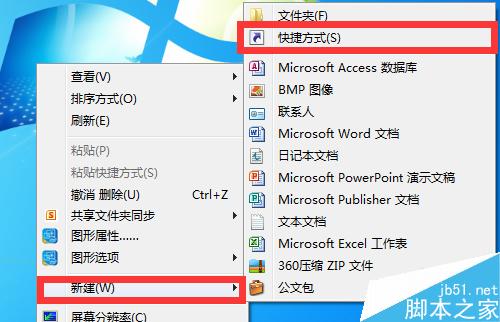
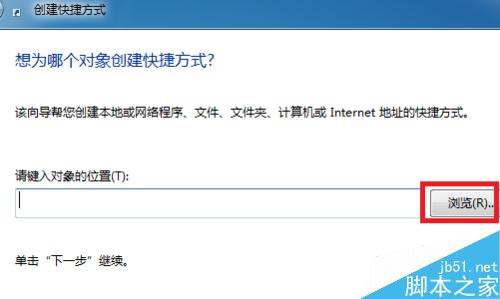
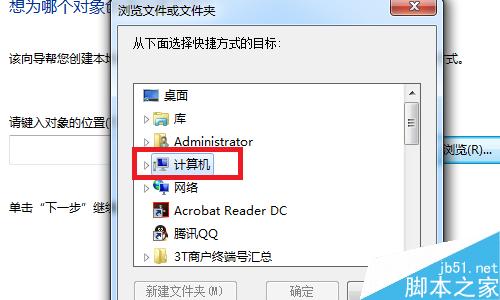
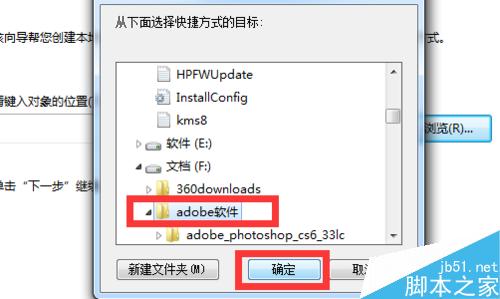
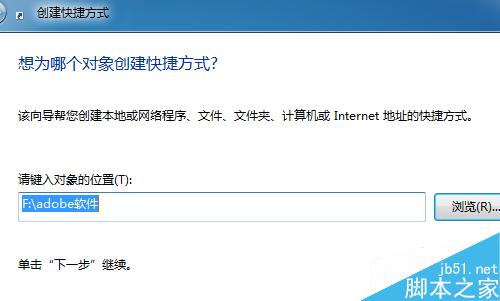
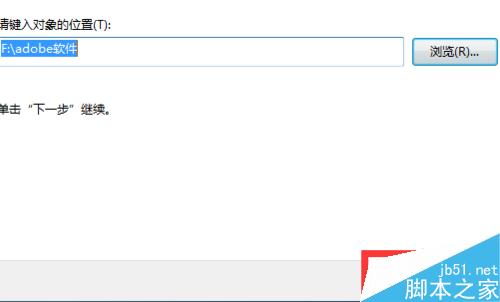
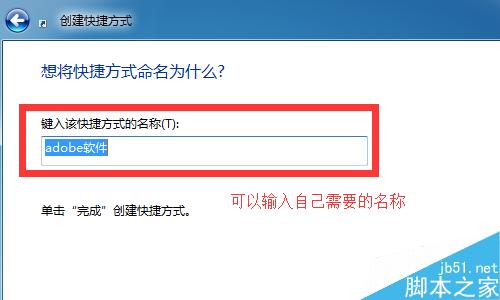
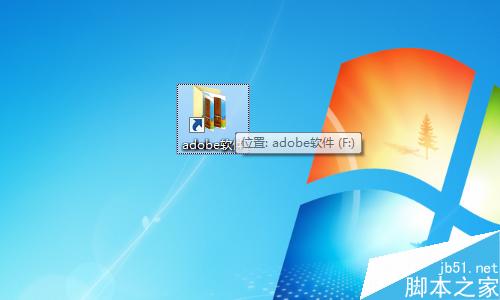
在 Windows 7 中,安裝軟體後桌面未自動建立捷徑,或不小心刪除既有捷徑,都可以透過「新增捷徑」精靈快速找回。
這個基本操作適用於所有 Windows 版本,新手也能輕鬆上手。
Win10 PIN 碼登入設定與移除完整教學(含圖文)
Win10 攝像頭無法使用?隱私設定開啟攝像頭存取權限完整圖文教學
Windows 7 CMD 輸入 javac 提示「非內部或外部命令」?JDK 環境變數完整設定教學
Win7 開機提示 mfc110u.dll 遺失怎麼辦?下載放入 System32 並註冊即可修復
Win7 桌面圖示全變成 Windows Media Player?註冊表修復檔案關聯錯誤教學
修改登錄檔恢復 Windows 8 傳統開始選單
Win8.1 任意畫面快速返回桌面的 4 種實用技巧
Win7 如何查看電腦記憶體?三種內建方法快速掌握 RAM 資訊