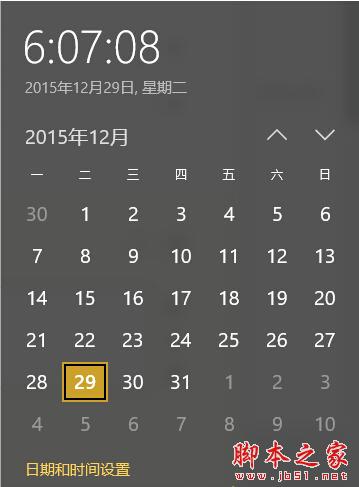
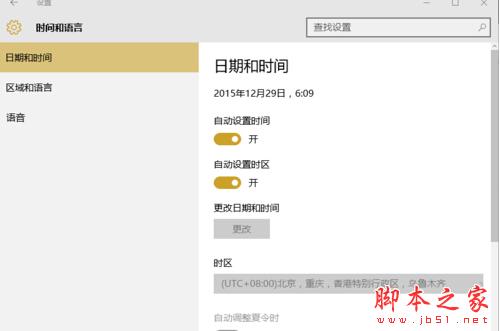
重裝系統或更換 CMOS 電池後,Windows 10 系統時間常會變得不準確。透過內建的自動網路校時功能可輕鬆解決:
此方法簡單快速,無需手動輸入時間,適合所有 Win10 使用者。
如何鑑別 Windows 正版與盜版?四大視覺特徵快速辨識 (不含 XP)
Win7 右鍵選單缺少「新增」選項?一行指令修復登錄恢復新建功能
Win10 如何開啟遠端桌面連線?搜尋與指令兩種快速方法
Windows 系統還原點完整教學:建立、還原、刪除與空間管理圖文詳解
Win7 插入 USB 隨身碟顯示 I/O 裝置錯誤?重新指派磁碟代號修復
Win10 如何將「庫」添加到資源管理器默認打開位置?註冊表修改法
Windows 10 Build 10163 準正式版大量截圖曝光,屬 fbl_winmain 分支基本可發布
Win10 桌面背景設定在哪?呼叫 Win7 風格經典「桌面背景」視窗