習慣 Win7 檔案總管的使用者,可透過登錄與資料夾選項讓 Win10 回歸簡潔:
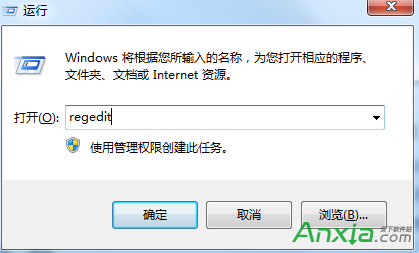
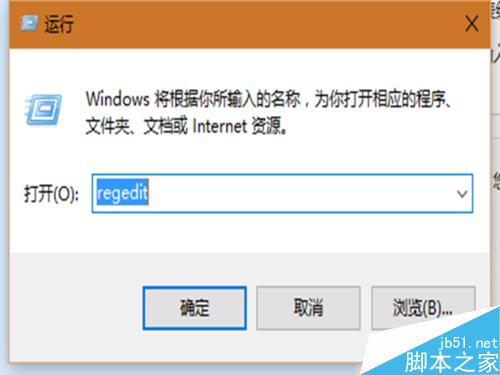
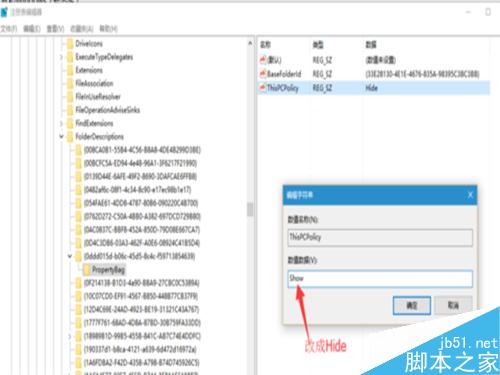
regedit 開啟登錄編輯器。HKEY_LOCAL_MACHINE\SOFTWARE\Microsoft\Windows\CurrentVersion\Explorer\FolderDescriptions。PropertyBag,將 ThisPCPolicy 值從 Show 改為 Hide:{0ddd015d-b06c-45d5-8c4c-f59713854639}{35286a68-3c57-41a1-bbb1-0eae73d76c95}{7d83ee9b-2244-4e70-b1f5-5393042af1e4}{a0c69a99-21c8-4671-8703-7934162fcf1d}{B4BFCC3A-DB2C-424C-B029-7FE99A87C641}{f42ee2d3-909f-4907-8871-4c22fc0bf756}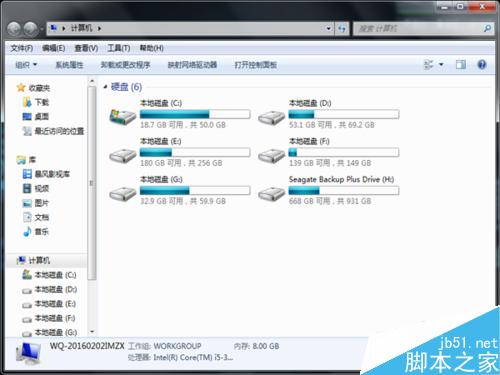
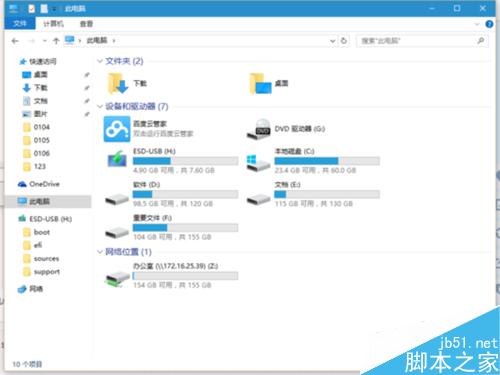
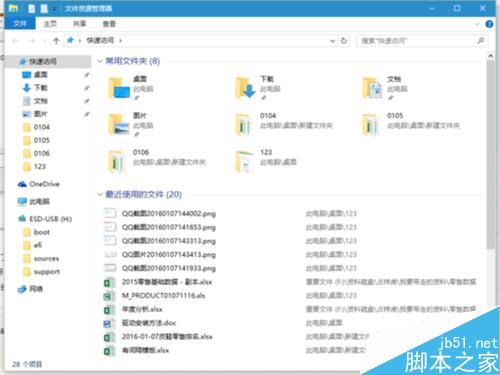
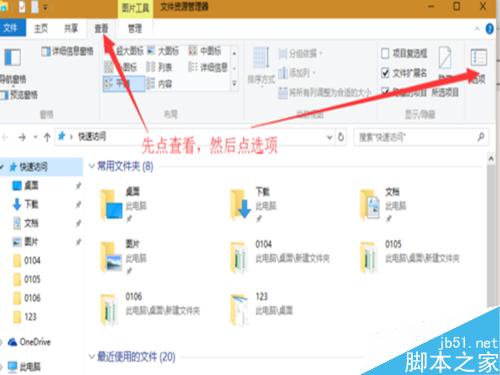
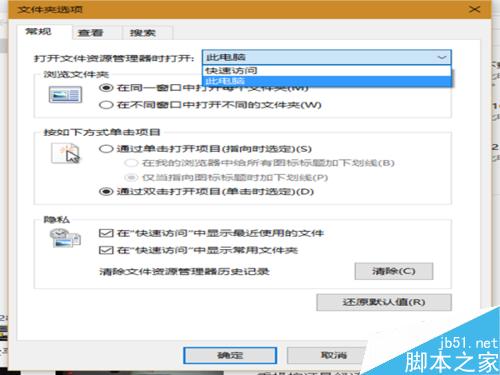
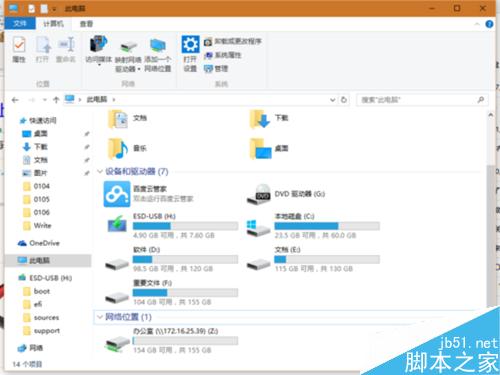
完成後按 Win+E 開啟檔案總管,即呈現 Win7 風格簡潔介面。
Win8 無法設定靜態 IP?檢查驅動、重裝 TCP/IPv4 協定、netsh 重置 TCP/IP 堆疊三步解決
Win10 Build 10074 「個人化」無法開啟、提示無關聯程式?啟用內建管理員核准模式解決
Windows 8 Modern 介面應用程式自訂排列:取消、縮放、拖曳全攻略
Win10 正式版內建應用問題頻傳,用戶盼 TH2 更新重點修復:Outlook 郵件等核心應用體驗待提升
Windows PE 識別 USB 卻不識別行動硬碟?開機前連接即可解決
Win10 一周年更新 UWP 版 Skype 新增群組視訊/語音/文字、收藏聯絡人