Windows 7 點擊 PDF 檔案出現關聯錯誤、無法正常開啟,通常是登錄表中使用者選擇的開啟方式損壞。刪除對應機碼後重新關聯即可修復。
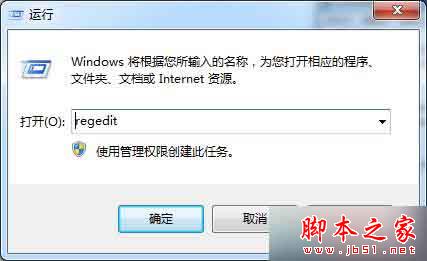
regedit
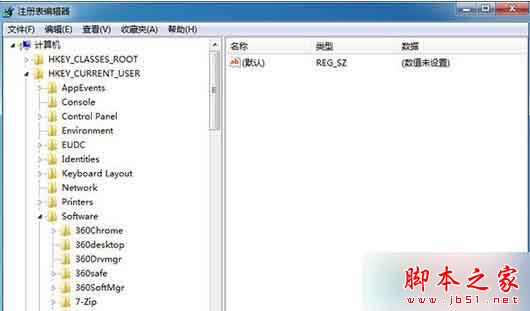
HKEY_CURRENT_USER\Software\Microsoft\Windows\CurrentVersion\Explorer\FileExts\.pdf
此法適用於所有檔案類型關聯錯誤,只需將路徑中的 .pdf 替換為目標副檔名。
.pdf
Win7 常用 Shell 命令大全:快速開啟系統特殊資料夾
Win10 週年更新 14367 釋出:官方一鍵重置工具首度內建、支援保留檔案/全盤清除、新增 23 國手寫語言
Win8/8.1 檔案總管(資源管理器)頻繁停止運作?可靠性監視器與服務檢查完整解決方案
Win10 10122 上手試玩圖賞:UI 更成熟大氣,主題/Edge/Cortana 變化明顯
Win7 如何使用主題?完整教學:取得、套用、自訂桌面圖示與滑鼠指標
Win7 寬帶連線錯誤 733 解決:停用「為單一連線協商多重連結」
Win8/8.1 內建燒錄光碟功能完整教學:資料光碟與音樂光碟燒錄步驟
Windows 8 設定媒體串流(DLNA)完整圖文教學