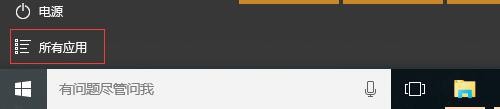
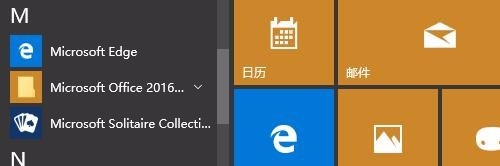
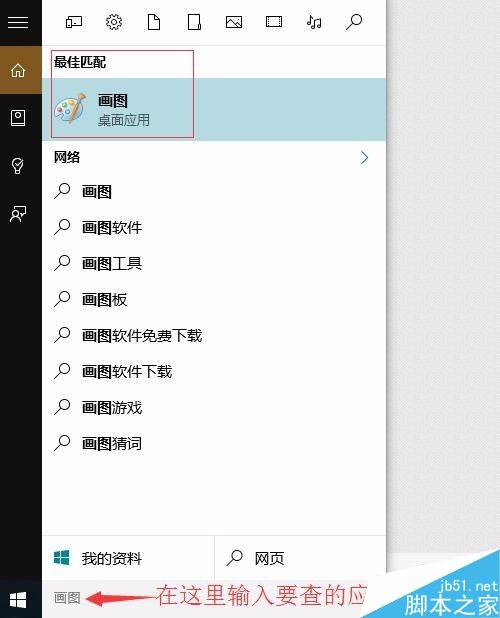
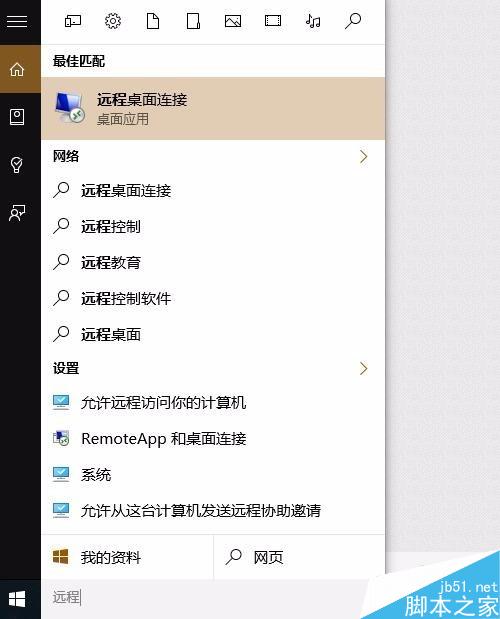
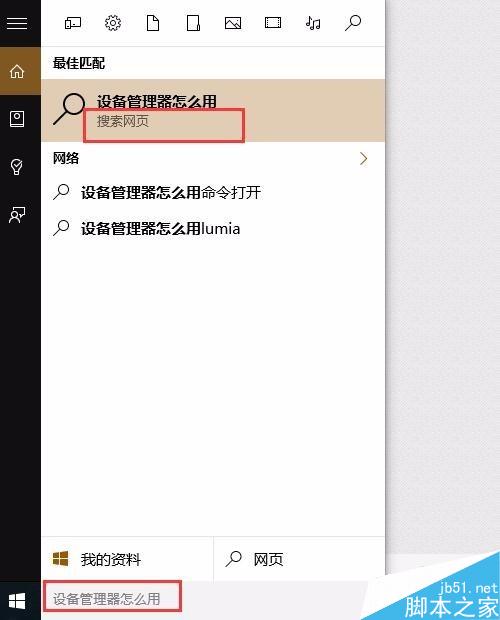
Win10 開始選單左下角,「所有應用」已按 0-9、A-Z、拼音 a-z 分類排列,點擊對應字母區即可快速定位。系統工具(畫圖、裝置管理員、控制台、遠端桌面等)皆可直接在小娜搜尋框輸入關鍵字開啟,甚至可直接搜尋網頁內容。
提示:小娜輸入框若無法輸入中文,請切換至微軟預設輸入法。
Win8.1 升級 Win10 用戶批評開始畫面:設計不進反退,失去多選磁貼與同步功能
Windows 7 設定 IIS 7 解決 HTTP 404.3 錯誤 (安裝伺服器端包含功能)
Win 10 正式版如何開啟毛玻璃特效?Aero Glass 10240 工具支援自訂顏色、透明度、光照、背景
WinXP 攝影機無法建立視訊預覽?三大解決方案完整教學
Windows 8 內建天氣應用程式:城市新增、預設位置、鎖定啟動畫面
Win10 無線網路「沒有有效的 IP 設定」?重啟路由器或重設 Winsock 目錄
Win10 預覽版無法啟動、關機自動重開機?指令啟動與關閉自動重啟完整解法
Windows 7 自訂「傳送到」右鍵選單:新增常用程式捷徑