Win8 區網共享印表機常見兩類失敗:
regedit → 定位 HKEY_LOCAL_MACHINE\SYSTEM\CurrentControlSet\Services\LanmanWorkstation\Parameters。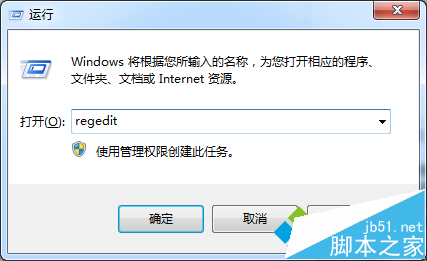
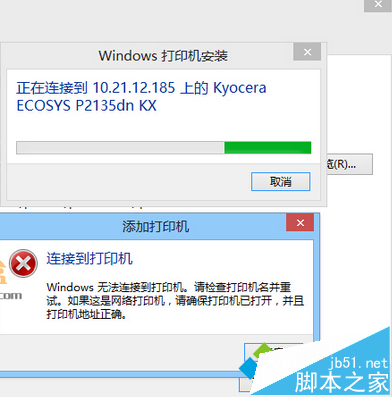
services.msc → 啟用 Server 服務(自動 + 啟動)。regsvr32 Softpub.dllregsvr32 Wintrust.dllregsvr32 Initpki.dll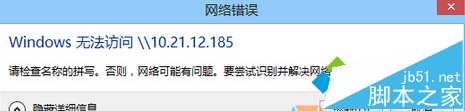
兩法對症下藥,通常可恢復區網印表機連線。
Win7 IE 瀏覽器提示「已經遇到加載項故障並且需要關閉」?安裝 IE 累積補丁修復漏洞
Win8 用戶明年 1 月可透過 Windows Update 升級 Win10 技術預覽版:微軟釋出準備工具降低安裝門檻
Win7 無法啟動 DHCP Client 服務導致無法上網?兩大修復方案
Win10 筆電觸控板怎麼關閉?設定→裝置→滑鼠與觸控板→其他滑鼠選項→裝置設定→停用
Win7 掉線/無連線手動設定 IP 解決:適用路由器未啟用 DHCP 環境
Win10 Mobile 可實現檔案系統完整存取 (需開發者工具與 Root 權限)