Win7 內建效能監視器開啟與使用教學,新手可參考學習。
perfmon → Enter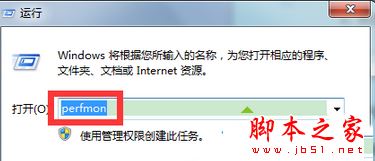
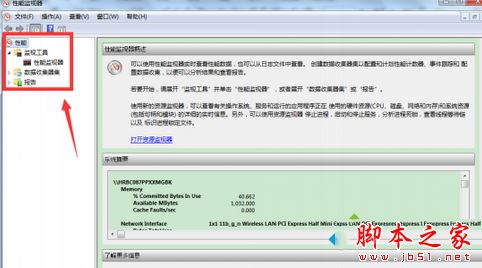
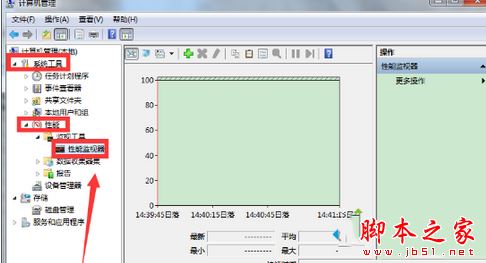
可即時查看效能數據、取得有用資訊。不知如何使用者可參考本教學設定。
無視微軟官方工具:UltraISO 製作 Win10 安裝 USB 完整教學 (支援 UEFI/BIOS 雙模式)
Win10 Build 10240 UAC Bug:不降低桌面亮度導致 Modern 應用授權對話框被遮擋
USB 安裝 Win8.1 提示「無法開啟 install.wim」0x8007000B?USB 必須格式化為 NTFS
Win10 Outlook 收繁體郵件字體重疊?從 Win7 複製完整字型資料夾修復
Win8 系統盤空間越來越少?深度清理休眠檔、分頁檔、Modern Apps 快取