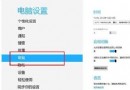
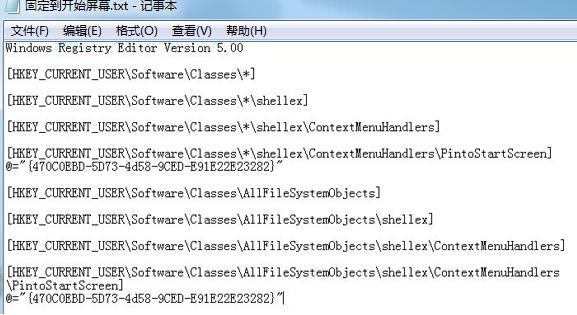
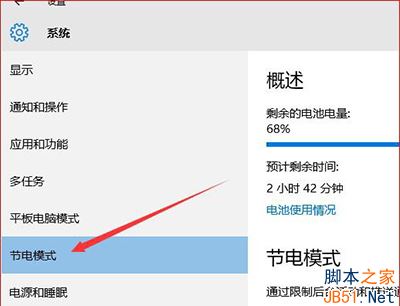
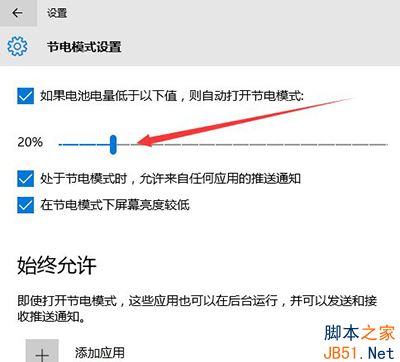
筆電電量低時會自動進入省電模式延長續航,Win 10 可自訂觸發門檻:
【影片】Build 2015 現場示範:手機秒變迷你 PC,Continuum 體驗震撼登場
Win7 旗艦版顯示「Windows 啟用狀態不可用」怎麼辦?360 優化導致服務被停用的修復法
Win10 預覽版 11099 已知問題彙總 Flash 應用崩潰、預設應用重置
Windows 7 善用內建疑難排解解決無聲音問題:以耳機未插入為例
手機版 Win10 測試版最新動態:新版本有望本周推送、擴大機型支援、正式版 4-6 週全量推送
Windows 7 連接列印伺服器完整設定教學(TCP/IP 連接埠 + LPR 協定)