Hyper-V 原為 Windows Server 專屬功能,Windows 8 專業版/企業版內建支援,可在單一實體電腦運行多個作業系統 (含 32/64 位元),建議記憶體 4GB 以上。
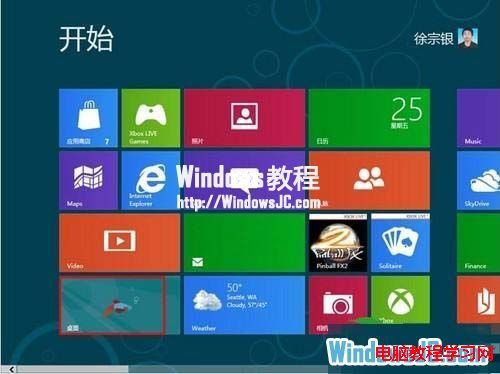
1、Metro 介面點選「桌面」圖示進入傳統桌面。
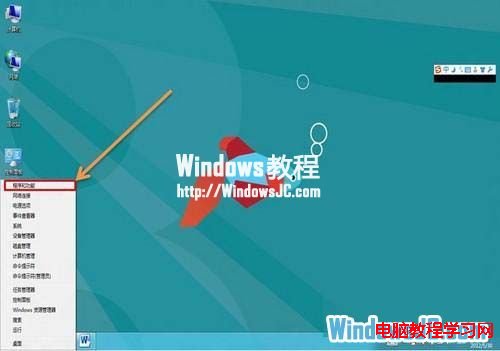
2、按 Win+X →「程式和功能」。
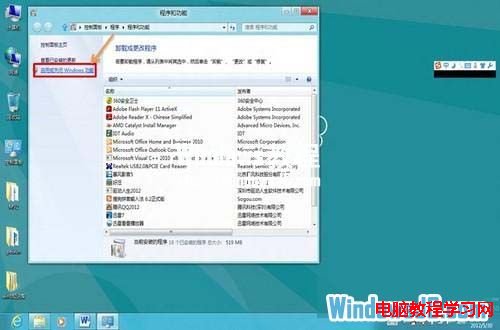
3、左側點選「啟用或關閉 Windows 功能」。
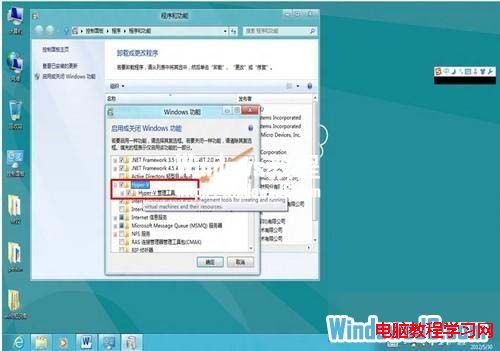
4、勾選「Hyper-V」 (子項目會自動勾選) → 確定。
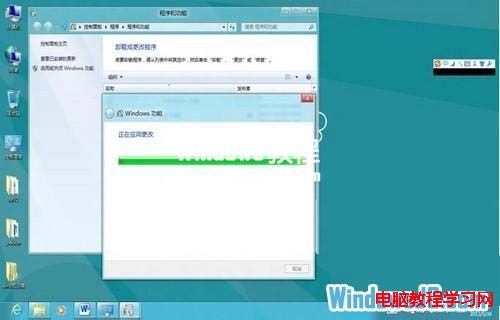
5、等待套用變更 (數分鐘)。
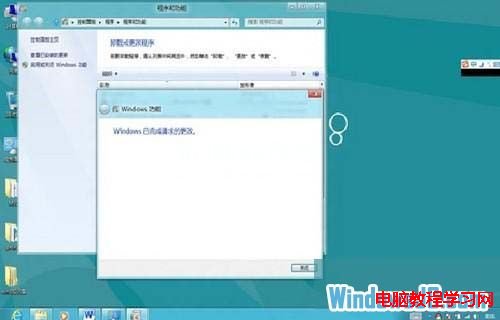
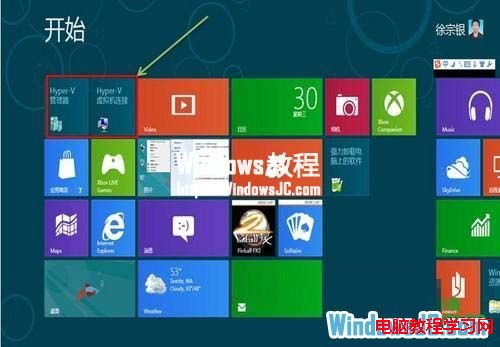
6、完成後 Metro 介面會出現「Hyper-V 管理員」與「Hyper-V 虛擬機器連線」捷徑。
Win7 IE 分級審查如何設定?過濾不良網頁內容保護上網環境
Win10 桌面快速建立「畫圖」與「掃描」等小工具捷徑完整教學
Win10 gpedit.msc 打不開?從同版本系統複製 System32 下檔案修復
Win10 介面語言改為中文:控制台 > 語言 > 進階設定 > 覆寫顯示語言 > 登出生效
Win7 寬帶連線錯誤 720 解決:重建連線、設定自動取得 IP
Windows 8 安裝無線網卡驅動報錯 Setup.rul 342:兩大解決方案
Win10 10586.122 更新修復第三方應用私自竄改預設程式漏洞
Windows 10 升級錯誤 80240020 解決:註冊表啟用 AllowOSUpgrade 與 $Windows.~BT 手動安裝