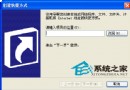
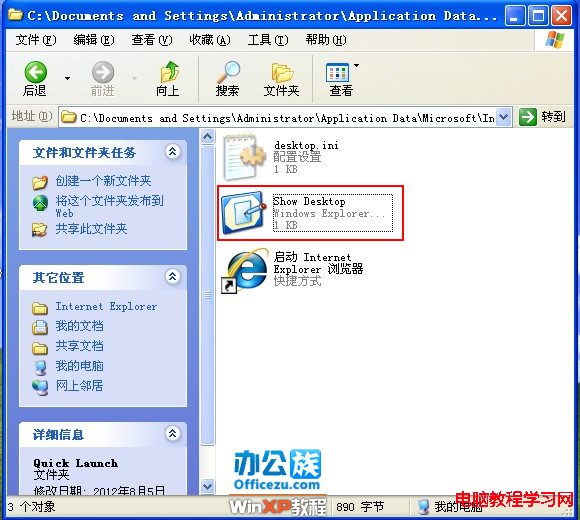
優化工具誤刪快速啟動列的「顯示桌面」與 IE 圖示。「顯示桌面」為 .scf 系統檔,手動建立即可恢復。
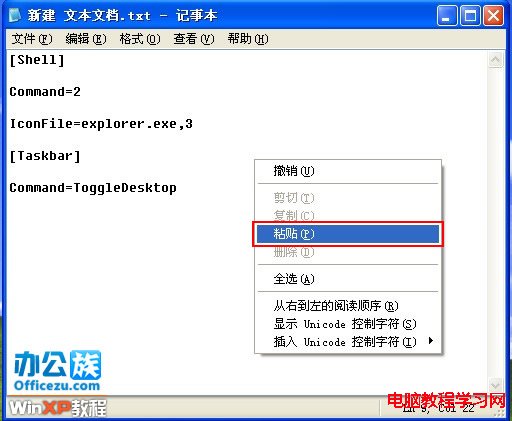
[Shell]
Command=2
IconFile=explorer.exe,3
[Taskbar]
Command=ToggleDesktop
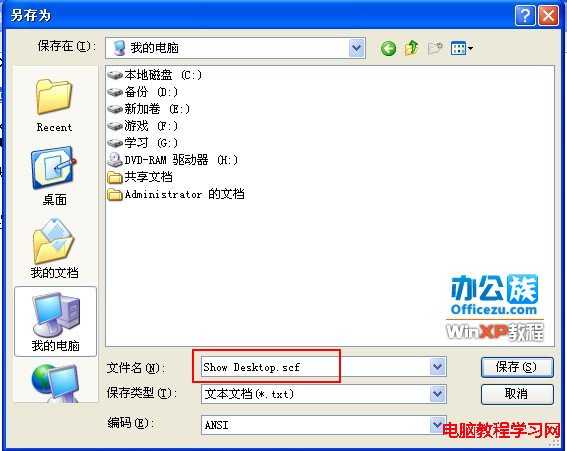
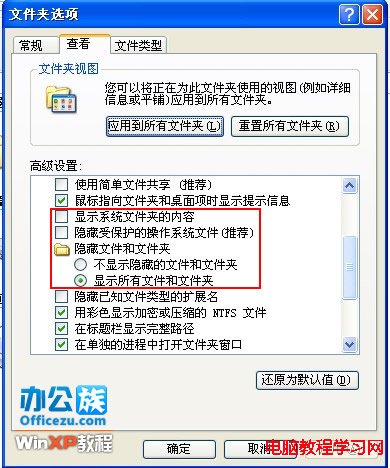
Show Desktop.scf (副檔名 .scf 非 .txt)。C:\Documents and Settings\Administrator\Application Data\Microsoft\Internet Explorer\Quick LaunchApplication Data 隱藏,資料夾選項 → 檢視 → 「顯示隱藏的檔案和資料夾」。




快速啟動列即刻恢復「顯示桌面」圖示,點擊即最小化所有視窗。