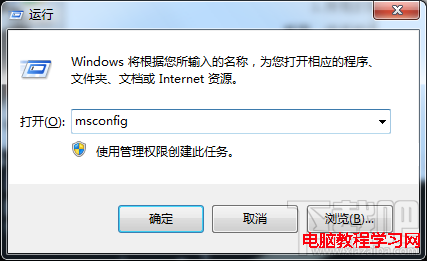
不使用休眠功能?刪除 hiberfil.sys 釋放數 GB 空間:
管理員身分執行 CMD → powercfg -h off → 自動刪除休眠檔案,觀察 C 碟空間變化。
gpedit.msc → 電腦設定 → 系統管理範本 → 系統 → 關機。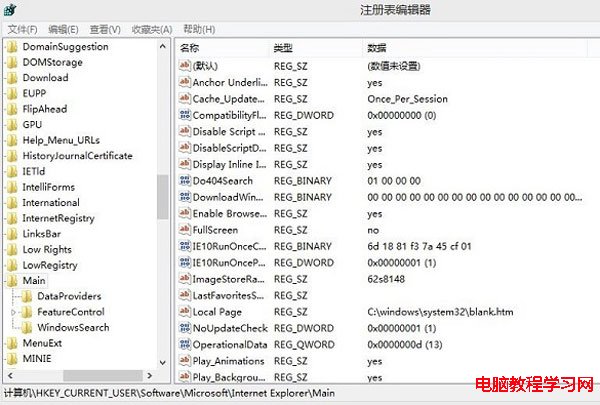
從不休眠的用戶建議執行,釋放寶貴系統碟空間。
Win10 任務列通知區域圖示設定:找回 Win7 風格經典介面
Win8 ClearType 字體微調還原教學:註冊表兩步驟重置為預設值
Windows 10 Mobile 10512 大規模更新:超過 2000 項修復進入 TH2 新分支
Win10 Mobile 正式版大規模推送啟動:分四批次、夏末前完成、Lumia 530 需手動升級
Win7 搜尋功能失效?修改登錄 FilterFilesWithUnknownExtensions 修復
微軟今日正式終止Win7主流支援:進入延伸支援階段至2020年,無新功能僅安全補丁
微軟推送 Windows 10 週年更新預覽版 14393.67 給全通道 Insider:PC 與 Mobile 同步更新