Windows XP Windows 7 Windows 2003 Windows Vista Windows 綜合教學 Linux 系統教學
Windows 10 Windows 8 Windows 2008 Windows NT Windows Server 電腦軟體教學
您现在的位置: Windows教程網 >> Windows教程 >  >> Windows 綜合教學 >> 關於 Windows

Windows 7 系統卡頓解決方案:系統設定與軟體優化雙管齊下

編輯:關於 Windows

Windows 7 使用久後出現卡頓、反應慢,可透過系統設定(多核心開機、最大記憶體)與軟體優化(啟動項精簡、定時清理)雙管齊下改善。

系統設定優化

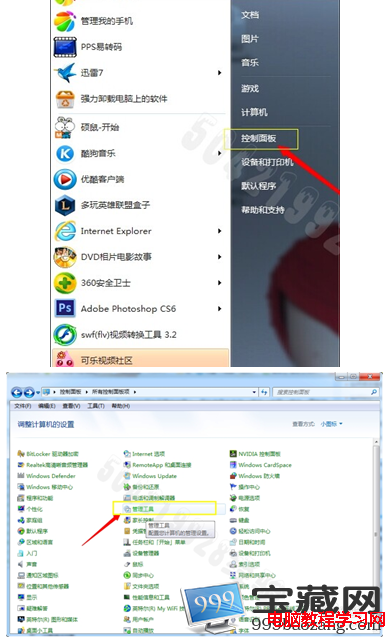
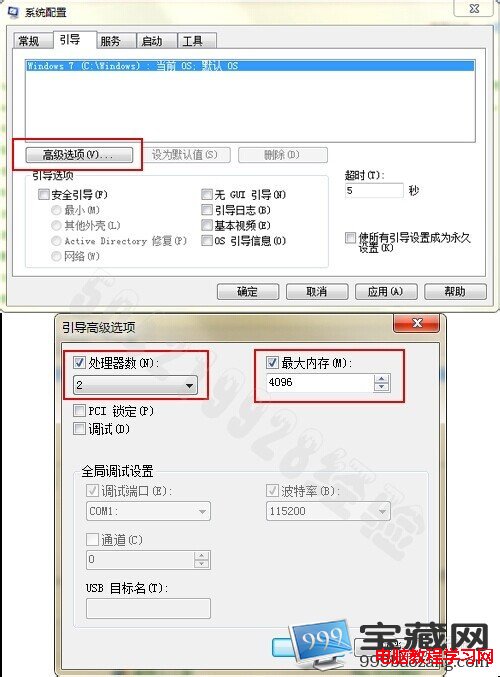
  1. Win+R → msconfig → 「啟動」頁籤 → 「進階選項」 → 勾選「處理器數目」選實際核心數、勾選「最大記憶體」輸入實際記憶體大小(MB)→ 確定重開機。
軟體優化

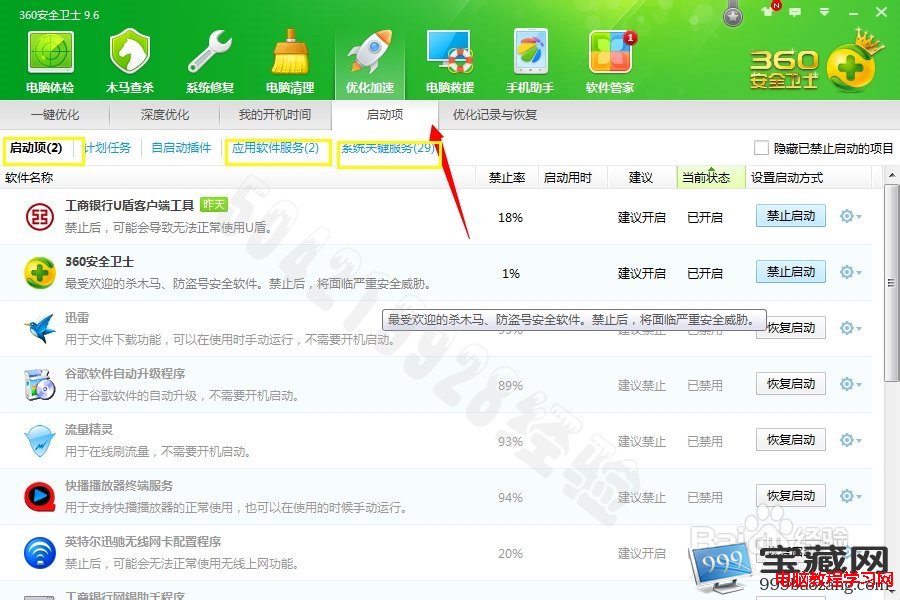
  1. 同 msconfig 「啟動」頁籤,僅保留防毒軟體,其餘取消勾選。
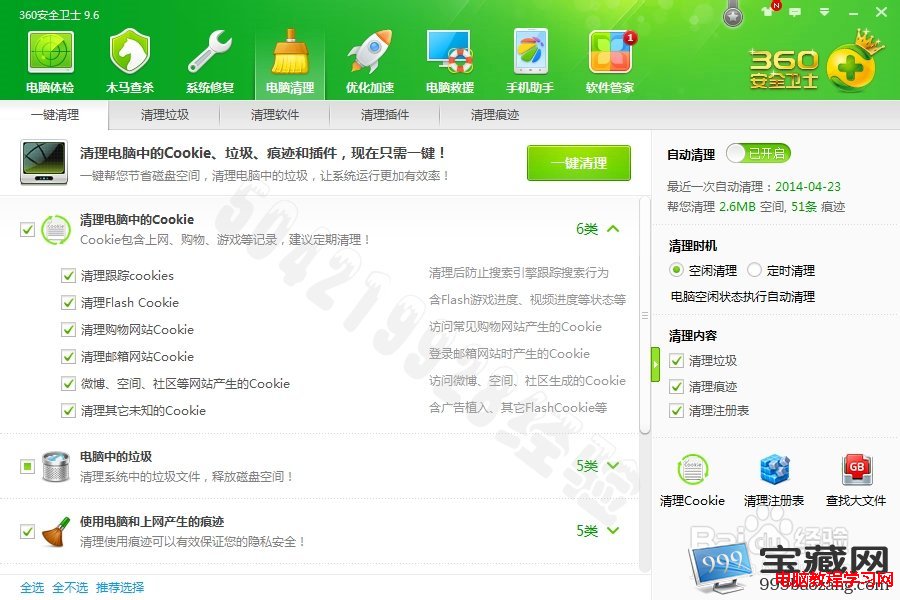
  2. 使用 360 清理大師、CCleaner 等工具定時清理暫存檔、登錄表、瀏覽器快取。

若仍卡頓,檢查硬碟健康度(S.M.A.R.T.)、CPU 溫度、記憶體是否足夠(建議 4GB 以上),必要時升級硬體(換 SSD、加記憶體)效果最顯著。

Copyright © Windows教程網 All Rights Reserved