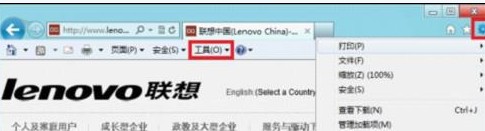
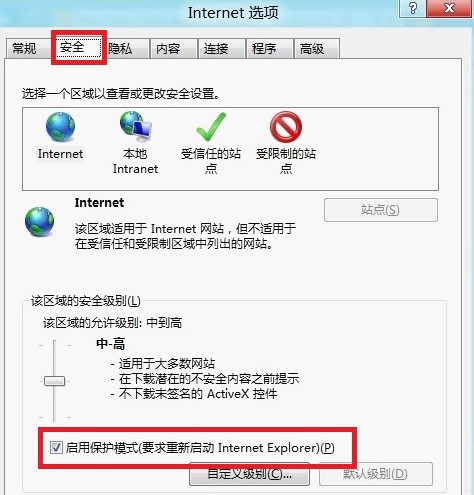
IE 保護模式以低權限執行瀏覽器程序,限制惡意程式碼寫入系統區域,增強安全性。
Windows 8 安全瘦身 4 大絕招:釋放磁碟空間不傷系統穩定
如何查看 Windows 8 硬體驅動程式是否正常運作
Win8.1 右鍵開始按鈕找不到命令提示字元?任務列屬性還原
Windows 8 管理自動登入憑證(認證管理員)
Win8/8.1 設定 Java 環境變數 完整圖文教學
Windows 8 消費者預覽版 Metro 介面如何固定應用到開始畫面?右鍵應用 → 固定到開始畫面
Win8.1 應用程式商店無法開啟/連線失敗:四大修復方案
Windows To Go USB 無磁碟代號修復:DiskPart 清除 NODEFAULTDRIVELETTER 標記重建分區