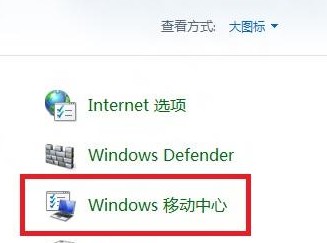
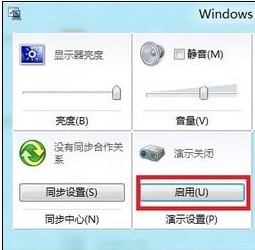
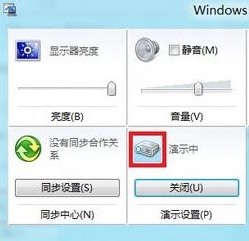
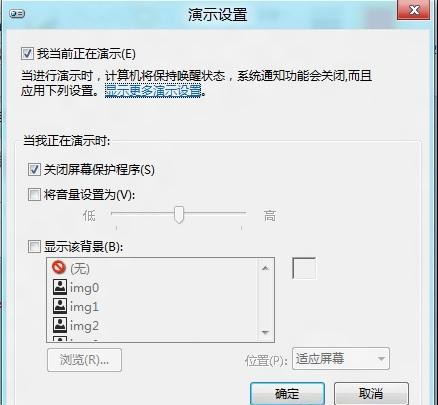
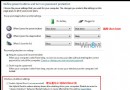
簡報模式屬性可自訂簡報期間的螢幕保護、通知、電源管理等行為。
製作 Win8.1 安裝 USB 保留原有資料:Windows 7 USB DVD Download Tool 禁用格式化註冊表技巧
Windows 8.1 「執行」對話方塊在哪裡?兩種快速開啟法
Win8.1 內建鬧鐘應用程式設定教學 取代傳統鬧鐘
Win 8 攝影機畫面有波紋?三種方法調整防閃爍頻率為 50Hz
Windows 8.1 調整資源回收筒大小,避免大檔案無法刪除
Win8 備份登錄檔完整步驟:修改前必做的保險
Win8 調整 ClearType 字體平滑效果,讓文字顯示更銳利
Win8 筆電如何關閉 Fn 鍵?BIOS 設定熱鍵模式教學