Win8 IE11 與 WP8 瀏覽器書籤同步設定 微軟帳號一鍵同步
Windows 8 快速找到「啟動」資料夾:開機自動執行程式設定
Win 8.1 桌面右下角「Secure Boot 未正確配置」水印移除教學
Windows 8.1 戰地 4 DirectX Error 解決方案:同地區設定法
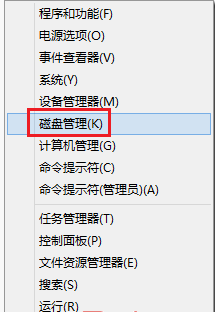
Windows 8 開始選單不見了?兩招找回或用 Win+X 替代
Win8 延長通知對話框顯示時間:不再錯過重要訊息
Windows 8/8.1 右鍵選單新增 Windows Defender 掃描功能:登錄編輯教學
Win8 清理應用商店快取:WSReset.exe 一鍵釋放系統盤空間