Win8 滑鼠右鍵選單點擊無反應、項目消失,建立註冊表修復檔匯入可快速恢復標準殼擴充套件功能。
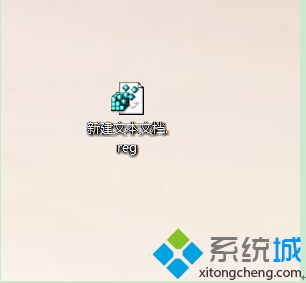
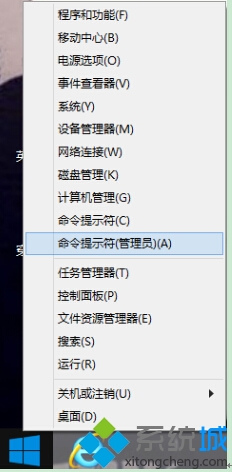
.reg。explorer.exe。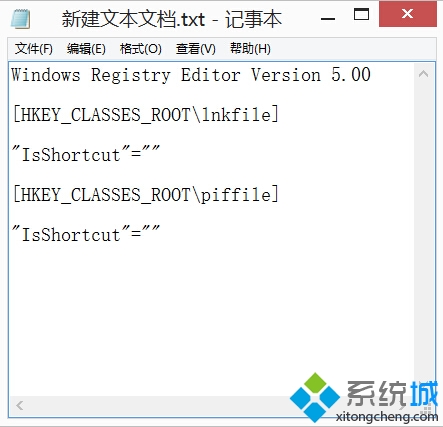
Windows Registry Editor Version 5.00

[HKEY_CLASSES_ROOT\*\shellex\ContextMenuHandlers]
[HKEY_CLASSES_ROOT\Directory\shellex\ContextMenuHandlers]
[HKEY_CLASSES_ROOT\Directory\Background\shellex\ContextMenuHandlers]
; 需包含標準項目:SendTo, Sharing, OpenWith, WinRAR, 7-Zip 等 GUID
ShellExView (NirSoft) 停用第三方殼擴充套件逐一排查衝突源。sfc /scannow 修復系統檔案。註冊表修復檔一鍵恢復右鍵選單,ShellExView 精準定位第三方衝突。