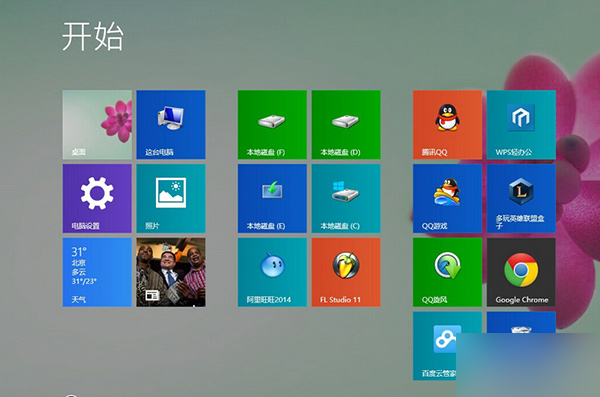
Windows 8.1 右鍵「這台電腦」選「管理」無法開啟電腦管理,通常是 .exe 檔案關聯損毀。透過匯入註冊表修復關聯即可解決。
Windows Registry Editor Version 5.00
[HKEY_CLASSES_ROOT\.exe]
@="exefile"
"Content Type"="application/x-msdownload"
[HKEY_CLASSES_ROOT\exefile\PersistentHandler]
@="{0910f2470-bae0-11cd-b579-010002b30bfeb}"
fix_exe.reg(編碼選 ANSI 或 UTF-8)。fix_exe.reg,點擊「是」匯入註冊表。匯入完成後,.exe 檔案關聯恢復正常,「電腦管理」等系統工具即可正常開啟。