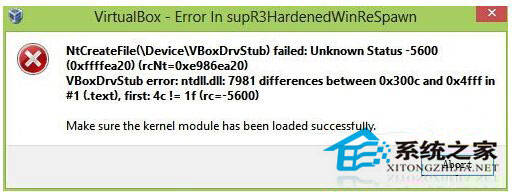
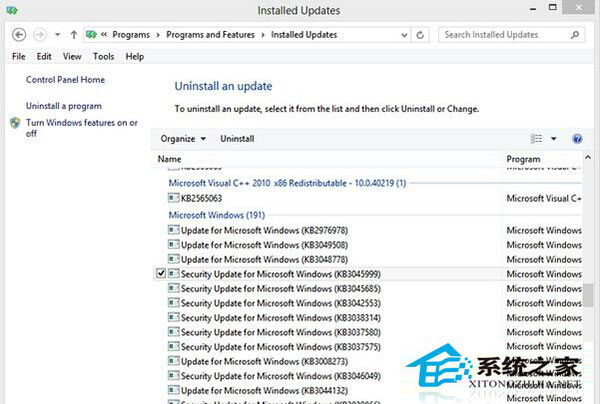
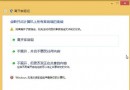
Windows 8.1 安裝 KB3045999 更新後,VirtualBox 虛擬機啟動報錯,重裝 VirtualBox 也無效,主因是該更新與 VirtualBox 驅動衝突。
此為已知相容性問題,移除並隱藏該更新即可恢復 VirtualBox 正常運作。若需該更新修補的安全性,請關注 VirtualBox 後續版本修正相容性。
Win8 IE11 密码自动保存太随意?开启“保存密码前询问我”掌控账号安全
Windows 8 設定儲存空間完整教學:建立儲存池、選擇復原模式 (簡單/鏡像/奇偶校驗)、管理與刪除
Windows 8.1 Update 1 非觸控裝置預設開機直進桌面
Windows 8 應用商店安裝路徑無法更改?查看預設位置與修改登錄表教學
Win8 開始畫面使用者選單缺少「鎖定」選項:電源選項啟用鎖定功能
Windows 8 Flash Player 版本過低卻無法更新?四大解決方案完整圖文教學
Win8 修改虛擬記憶體最佳設定:自訂分頁檔案大小提升效能
Windows 8 檔案總管顯示隱藏檔案/資料夾:一鍵切換與永久設定