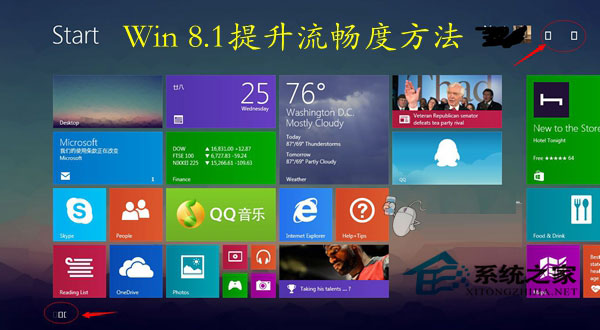
Windows 8.1/7 透過更新安裝的 GWX Config Manager(KB3035583)常佔用 30%+ CPU,導致系統卡頓。此程式為 Windows 10 免費升級推廣工具,非系統必要元件。
移除後 CPU 佔用率即時下降,系統恢復流暢。經測試移除對系統功能無負面影響。建議定期檢查工作管理員進程,發現不明高 CPU 程序優先查詢來源並處理。
Win8 開機顯示 start pxe over ipv4 怎麼辦?關閉網路喚醒功能徹底解決
Win8升級Win8.1報錯0xC1900101-0x40017?教你排除幹擾順利升級
Windows 8 工作管理器深度解析:七種開啟方式、雙模式、七大索引標籤
Windows 8 設定自動登入:兩種方法免輸入密碼
Windows 8 設定 USB 開機三大法:電腦設定高級啟動、電源選項修改、強制關機進 BIOS
Windows 8 圖片處理應用推薦:好照片 (功能全面) 與 美圖秀秀 (美容強項) 詳細評測
Windows 8 常用 108 個執行命令完整對照表
Windows 8 啟用自動更新功能:三步驟設定自動安裝修補程式