Windows 8 右鍵「這台電腦」→「管理」無反應並提示「找不到相關聯程式」,主因 .exe 檔案關聯損毀。透過匯入註冊表檔修復關聯。
Windows Registry Editor Version 5.00

[HKEY_CLASSES_ROOT\.exe]
@="exefile"
"Content Type"="application/x-msdownload"

[HKEY_CLASSES_ROOT\.exe\PersistentHandler]
@="{0910f247-0bae-11cd-b579-08002b30bfeb}"
恢復exe關聯.reg (副檔名必為 .reg) → 儲存。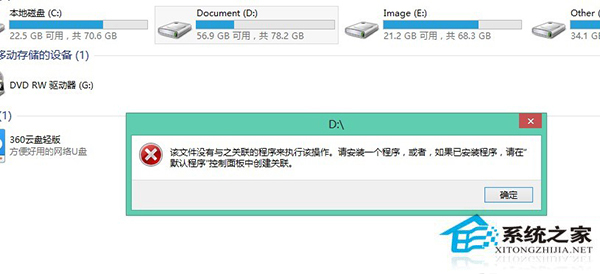
此法自動修復登錄檔 .exe 關聯,無需手動在龐大登錄樹中尋找項目。