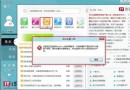
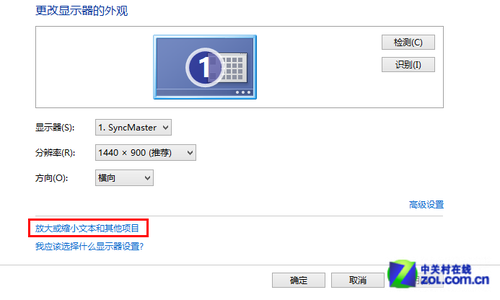
Windows 8 應用程式商店下載安裝應用程式長時間顯示「暫停」,通常因網路問題、快取損毀或安全軟體攔截。本文提供三種解決方案。
net stop wuauserv。C:\Windows\SoftwareDistribution\Download\,刪除資料夾內所有檔案。net start wuauserv 重新啟動服務。net stop wuauservrename c:\windows\SoftwareDistribution softwaredistribution.oldnet start wuauserv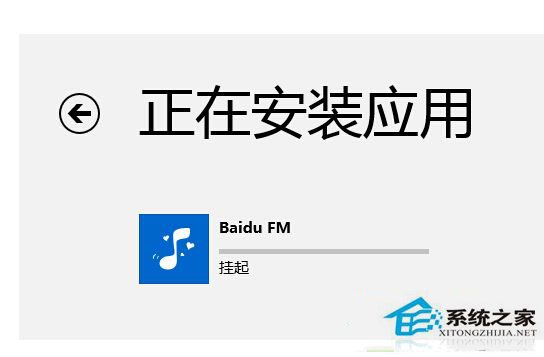
清理快取通常能立即解決「暫停」問題。
WP8 手機無法被電腦識別為 USB 大容量儲存裝置?七大排除步驟一次看
Windows 8 磁碟管理調整分區大小:內建工具限制與 Partition Assistant 進階替代方案
Win8.1 移除右下角 OneDrive (SkyDrive) 圖示:停用 Network List Service 三步驟
Windows 8.1 Update 更新失敗 0x800F0092/0x80073712 修復方案
Win8.1 開機彈「syslevelup」提示框?華碩主板升級服務衝突,禁用啟動項或重裝驅動修復
Win8.1 蓝牙耳机无法自动连接?更新驱动+设备管理器手动配对解决