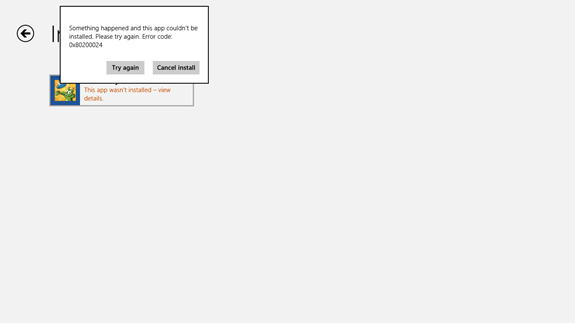
Windows 8 安裝 iTunes 出現錯誤 2503,通常是安裝版本架構不符(32/64 位元)、殘留舊版 Apple 程式衝突。徹底移除舊程式、下載正確架構版本、以管理員身分安裝即可解決。
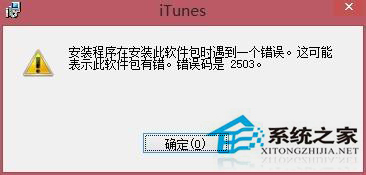
iTunes、Apple Software Update、Apple Mobile Device Support、Bonjour、Apple Application Support (32/64-bit)錯誤 2503 核心原因是版本衝突與殘留檔案,徹底清理後安裝正確版本即可順利完成。
Windows 8 如何設定預設程式與電腦預設值?控制台預設程式介面完整操作
Windows 8 輕鬆掌握多語言:新增語言、下載語言包、設定顯示語言圖文教學
Windows 8.1 同步設定功能:新裝置初始化自動套用舊裝置配置,化繁為簡
Win8.1 清除可靠性記錄與關閉問題回報:動作中心三步驟完成
Windows 8 進階系統設定常用工具:虛擬記憶體、使用者設定檔、啟動與故障復原
Windows 8 內建特殊版 Flash Player 詳解:隨系統更新、Metro IE 僅白名單支援
Windows 8 四大操作技巧:熱區邊角、一鍵進入 Metro、一鍵鎖定、關機多種法
12 個 Windows 預設設定該改了:退格鍵返回、隱藏副檔名、Office 動畫、首頁、鎖定畫面、UAC、錯誤回報、自動重啟、網路優先序、工作列合併、Word 標點轉換、受保護視圖