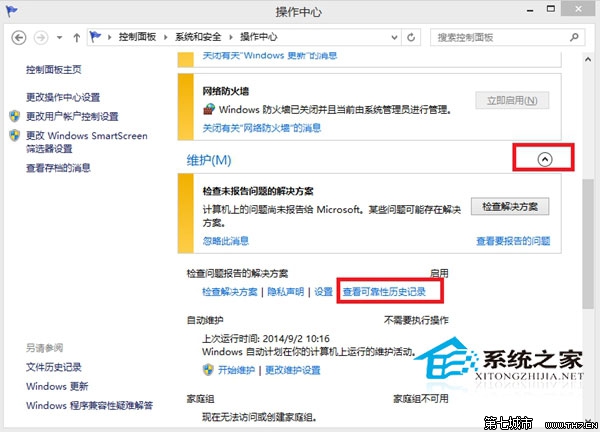
完成後可靠性監視器記錄歸零,問題回報資料不再累積佔用磁碟空間。
Win8掃描硬體變更圖文教程:裝置管理器三種方式讓系統識別新硬體
Windows 8 快速鍵大全:Win 鍵組合、視窗管理、Charms 列、搜尋、多工切換
Windows 8.1 为“附件”程序(计算器、记事本等)创建桌面快捷方式
Windows 8 登出時自動清除動態磚過期通知:群組原則設定
Win8 播放 .exe 格式課件被攔截?另存為加 .exe 後缀 → 右鍵「仍要運行」繞過 SmartScreen
Windows 8 安裝網路印表機完整 9 步驟圖解:手動建立連接埠與驅動安裝
Win8.1 隱藏操作技巧三則:關閉 Modern 應用、關閉自動更新、快速找到新安裝應用
Win8 記住寬帶撥號帳號密碼教學