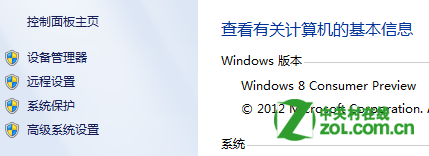
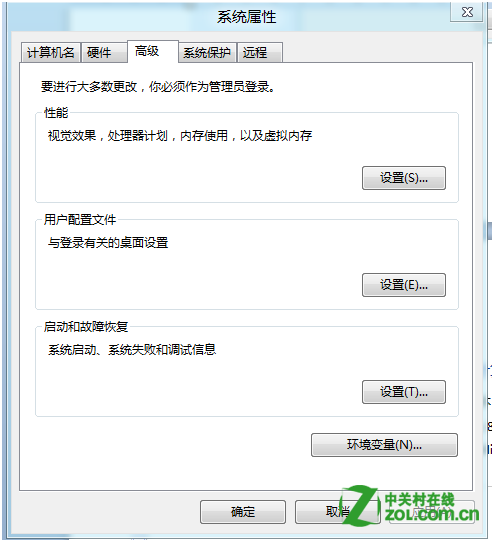
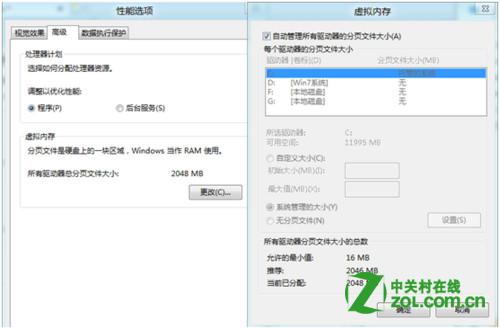
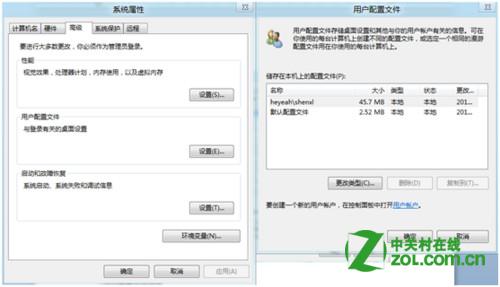
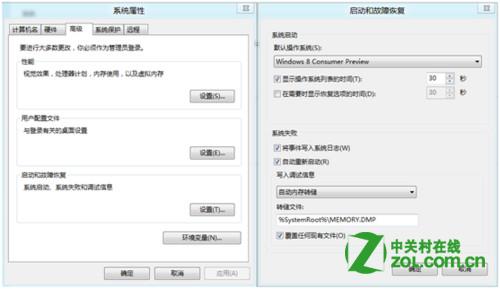
透過「進階系統設定」可存取核心系統調校工具。
這些設定關係系統穩定度、效能與除錯能力,進階用戶必須熟悉。
Win8.1 Update 更新失敗三大錯誤碼修復:兩行 DISM 指令搞定
Win8 USB 裝置無法辨識?重啟 Plug and Play 服務修復
Win8 Google Chrome 無法開啟提示「類別未註冊」?兩種修復方法
Windows 8 開關機極速背後的秘密:混合式關機與系統會話休眠
Win8.1 Wi-Fi 掉線/連不上?啟用 FIPS 相容模式增強無線穩定性
Windows 8.1 更新錯誤 8024402F?修改 DNS 快速解決
Win8.1 IE 停止運作?兩招修復:Internet 選項重設、啟用/關閉 Windows 功能重裝 IE
Windows 8 Metro 版 QQ 體驗報告:功能極簡、頻繁卡死、登入後無回應,騰訊/微軟尚待優化