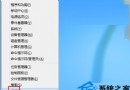
升級 Windows 8 後,Google Chrome 點擊無反應或提示「類別未註冊」(Class not registered),主因為 COM 元件呼叫失敗或權限不足。提供兩種解決方案。
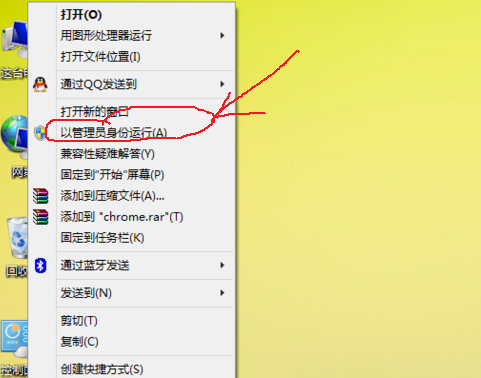
regedit 開啟登錄編輯器。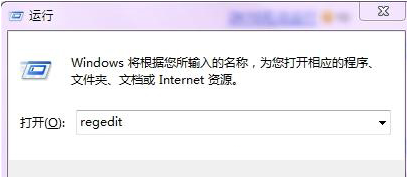
HKEY_LOCAL_MACHINE\Software\Classes\Chrome,右鍵刪除整個 Chrome 金鑰。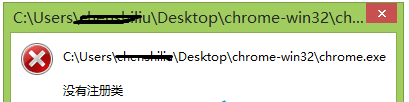
原因分析:Win8 下 Chrome 呼叫 COM 元件失敗,元件未正確註冊或權限不足。方法二重置檔案關聯註冊資訊,屬根本修復。
Win8 「Windows Modules Installer Worker」佔用硬碟 100% 原因與緩解方案
Win8 xlueops.exe 是迅雷 Bolt 引擎進程,非使用迅雷時可安全關閉
Windows 8 桌面新增「計算機」圖示:個人化設定 → 桌面圖示勾選教學
Win 8.1 無縫整合新裝置協定 API:POS、3D 列印、掃描、USB/HID/藍牙/Wi-Fi Direct 通訊全開放
Win8.1 金鑰激活 Win10 被阻擋錯誤 0xC004C003?重新安裝 Win8.1 激活後升級
Win8.1 查看已連線 Wi-Fi 密碼兩大法:無線網路屬性 vs 登入路由器