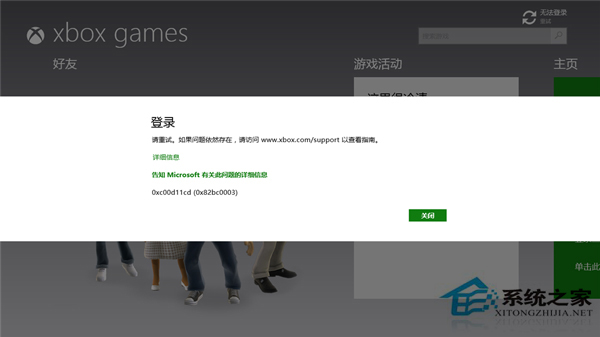
Win8.1 Xbox App 登入失敗,錯誤 0xc00d11cd (0x82bbc0003),提示前往官網但官網也無法登入。主因是系統核心身分驗證與授權服務未啟動,導致無法取得 Microsoft 帳號存取權杖。
服務啟用清單 (services.msc 全部設為自動並啟動)
- Microsoft Account Sign-in Assistant (Microsoft 帳號登入助手) — 關鍵
- Background Intelligent Transfer Service (BITS)
- Cryptographic Services (加密服務)
- Software Licensing Service (軟體授權服務)
- Windows Installer
- Windows Update
操作方式
- Win+R `services.msc`,逐一雙擊上述服務,啟動類型改 自動,點擊 啟動,確定。
- 完成後重新開機,再次嘗試 Xbox App 登入。
這組服務構成了 Windows 現代應用 (UWP) 的身分驗證、授權、傳輸基礎設施。任何一項停用均可能導致 Xbox、商店、郵件、行事曆等 App 登入/同步失敗。