服務中將 Windows Update 設為「自動」並啟動。
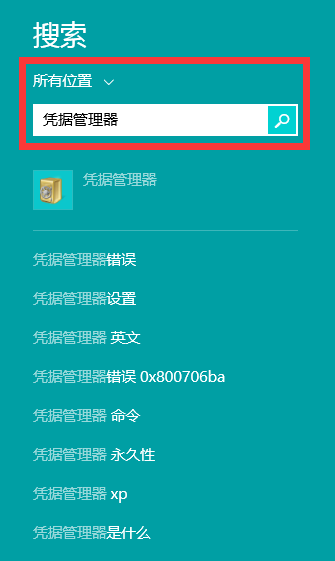
電腦設定 → 帳號 → 更多線上帳號設定 → 輸入密碼重新驗證。
%temp%
services.msc
C:\Windows\SoftwareDistribution
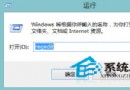
wsreset
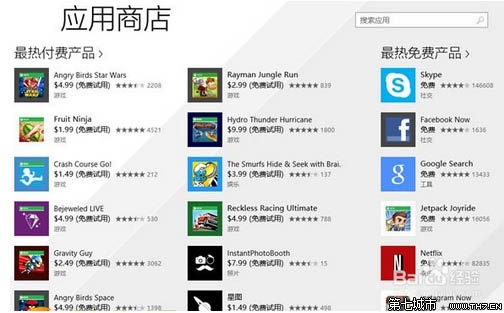
以 Microsoft 帳號登入電腦 → Windows Update 檢查更新 → 進入商店下載應用程式。
依序嘗試上述方法,多數商店異常皆可解決。
Windows 8.1 螢幕亮度無法調整?兩大解決方案:登錄修改與顯卡驅動重裝
Win8.1 開始畫面桌面磚消失?Win+S 搜尋「桌面」重新釘選
Win8.1 變更系統顯示語言/新增語言包完整教學
Windows 8.1 升級 Windows 10 出現 modern setup host 停止運作?關閉安全軟體、還原優化、重裝三策略
Windows 8 群組原則新增選項介紹:帳戶同步、應用程式控制等 25 項常用設定
Windows 8 修改磁碟機代號與標籤名稱:三步驟自訂本地磁碟
Win 8 刪除休眠檔案 hiberfil.sys 釋放 C 槽空間:兩種安全方法圖解
新筆電預裝 Win8 OEM 金鑰找不到?三大工具+原生指令完美提取