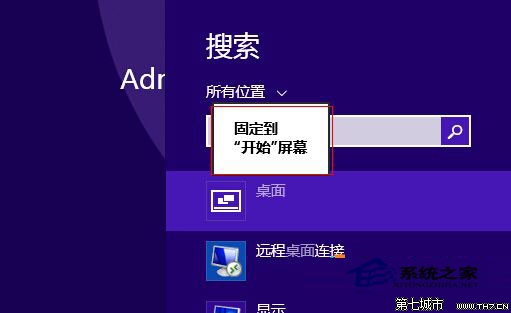
比透過「所有應用程式」找更快,適用鍵盤/觸控雙模式。
Win8 如何開啟 Windows PowerShell?Win+X 選單搜尋 PowerShell 以管理員身分執行
Win8/8.1 恢復開機按 F8 進入進階啟動選單:bcdedit /set {default} bootmenupolicy legacy
Windows 8 Release Preview 安裝三大法:升級安裝、USB 開機、VHD 虛擬硬碟雙系統
Win8.2 細節曝光:Modern 應用視窗化、開始選單回歸、桌面模式融合
Windows 8 開機直接進入桌面:登錄 Shell 鍵值修改法 (explorer.exe, explorer.exe)