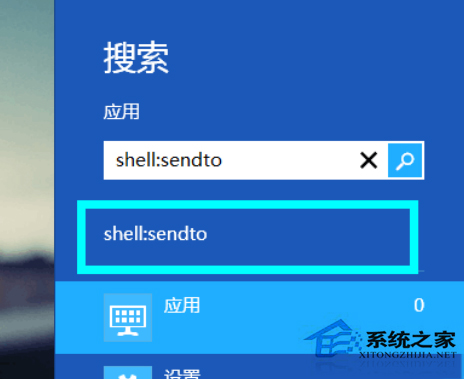
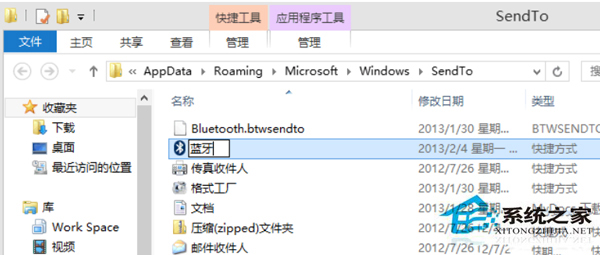
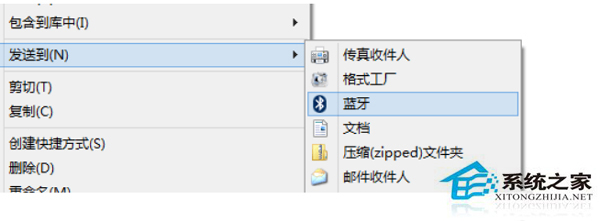
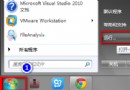
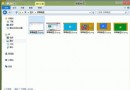
Windows 8.1 配對藍牙裝置後,理應自動在右鍵「傳送至」選單出現「藍牙」選項。若缺漏,可手動建立 `fsquirt.exe` 捷徑置入 `SendTo` 資料夾補齊。
C:\Windows\System32
shell:sendto
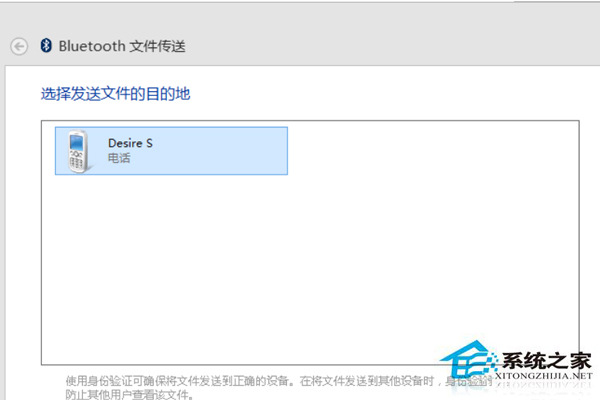
之後只要在檔案上右鍵 > 「傳送至」>「藍牙傳輸」,即可啟動傳輸精靈選擇配對裝置傳送檔案,無需開啟設定頁面。
Win8 滑鼠右鍵選單失效?匯入登錄表修復 Shell 擴充功能
Win 8 任務列時鐘顯示星期幾的日期格式自訂法
Win8 安裝最新版 QQ 忘記密碼?官方找回密碼四步驟完整教學
Win8 使用定位功能:控制台啟用 Windows 位置平台
Win8.1 升級 Win10 後如何保留 DVD 播放功能?限時免費領取
VMware Workstation 虛擬機安裝 Windows 8 RP 圖文教學
Windows 8 清除文件资源管理器“常用位置”历史记录的方法
Win8 移除工作列微軟拼音輸入法:新增英文輸入法後刪除中文預設輸入法