Windows 8.1 內建 Windows DVD Player,但升級至 Windows 10 後此功能移除,改為 Microsoft Store 付費應用(約 490 元台幣)。不過,符合條件的舊版媒體中心用戶可在限定期間免費取得。
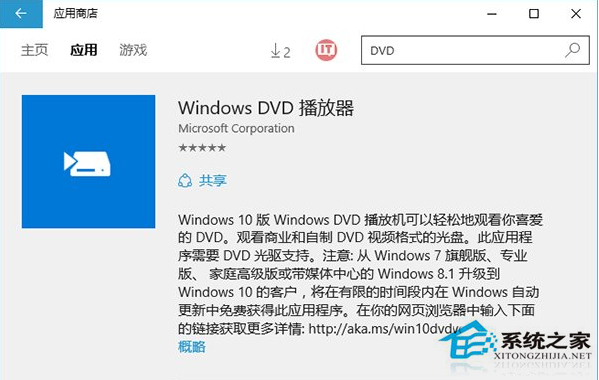
注意:微軟未公開免費領取期限,建議符合資格的用戶儘快透過 Windows Update 取得,逾期將需付費購買。也可考慮使用免費開源播放器(如 VLC Media Player、PotPlayer)播放 DVD。
Windows 8 開啟資料夾假死卡頓原因分析與解決:Windows Defender 即時掃描導致
Windows 8.1 Update 錯誤 80073712 解決方法:KB2919355 修正版與疑難排解工具
Win 8 輸入法切換完全指南:Win+Space、Alt+Shift、Ctrl+Space 差異與最佳實踐
Win8 如何開啟內建 Windows Reader 應用程式閱讀 PDF?兩種啟動管道
Windows 8 開發者預覽版安裝教學:系統需求、硬碟直裝法、虛擬機注意事項
Windows 8 取消工作列圖示縮圖預覽:群組原則編輯器設定
Win8.1 提示「無法連線到 Group Policy Client 服務」無法登入?安全模式註冊表授予 SYSTEM 完全控制權限