Windows XP Windows 7 Windows 2003 Windows Vista Windows 綜合教學 Linux 系統教學
Windows 10 Windows 8 Windows 2008 Windows NT Windows Server 電腦軟體教學

Win8 獨家技巧:拍攝影片當使用者頭像、分享 .accountpicture-ms 檔案

編輯:Win8 系統基礎知識

Win8 引入動態使用者頭像,可拍攝短影片作為頭像,比舊版靜態圖片更生動。頭像檔案實際儲存為 .accountpicture-ms 格式,可直接複製分享給好友。
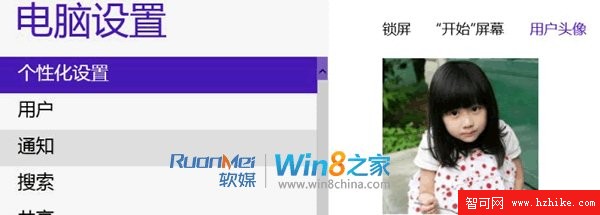
建立影片頭像

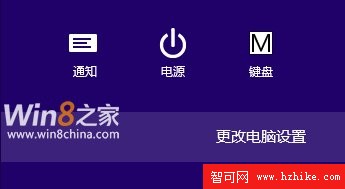
  1. Win+C → 「設定」 → 「更多電腦設定」 → 「個人化」 → 「使用者頭像」。
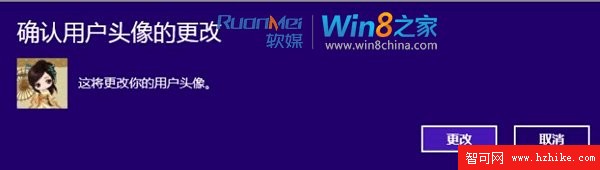
  2. 點選「建立」 → 選擇「相機」 → 錄製短影片 → 確定。

開啟更多電腦設定

個人化使用者頭像

建立頭像選擇相機

相機錄製介面

找到並分享頭像檔案

所有頭像(含影片)統一轉換為 .accountpicture-ms 檔案,儲存於:
C:\Users\<使用者名稱>\AppData\Roaming\Microsoft\Windows\AccountPictures

雙擊該檔案即可套用為頭像,**直接複製此檔案傳給好友**,對方雙擊即可使用同款動態頭像。
AccountPictures 資料夾內容

此功能為 Win8 全新體驗,結合相機與動態頭像,讓登入畫面更個性化。檔案格式專屬,無法直接用一般影片播放器開啟,僅供 Windows 8/8.1 系統識別套用。

Copyright © Windows教程網 All Rights Reserved