家庭群組讓區域網路內 Windows 7/8 電腦輕鬆共用圖片、音樂、影片、文件、印表機。本文提供最精簡設定步驟。
開啟家庭群組設定
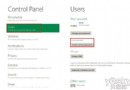
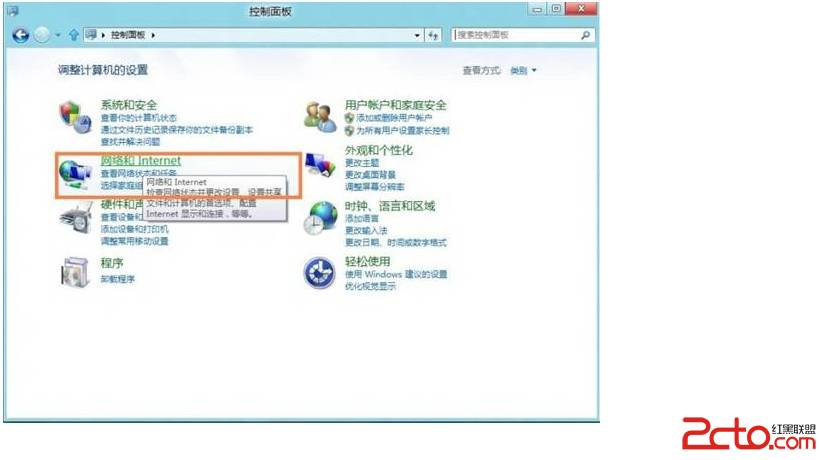
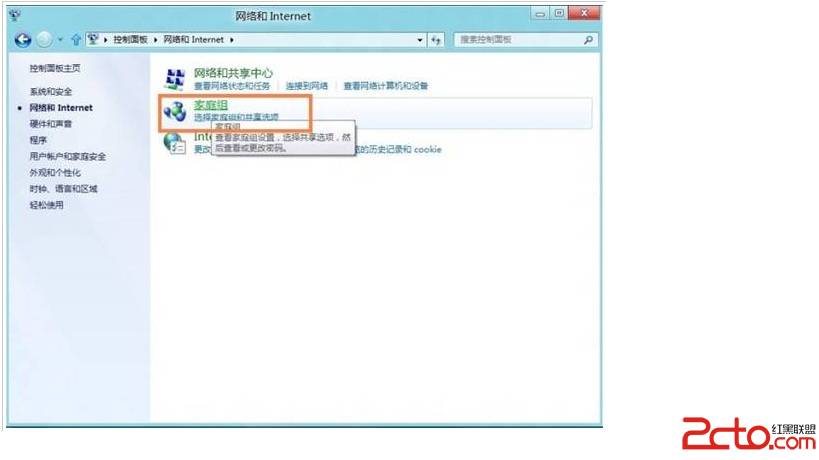
- 控制台 → 「網路和網際網路」
- 點選「家庭群組」
- 若未建立:點選「建立家庭群組」→ 選擇共用資料庫類型 → 系統產生密碼 → 記錄密碼
- 若已存在:點選「加入」→ 輸入密碼 → 選擇共用項目
關鍵提醒
- 網路設定檔必須為「家庭網路」/「專用網路」 (公用網路無法建立/加入)
- 所有電腦時間需同步 (誤差 < 5 分鐘)
- IPv6 必須啟用 (家庭群組依賴 IPv6 通訊)
- 防火牆允許「家庭群組」核心網路功能
共用資料夾存取
建立/加入後,檔案總管左側「家庭群組」節點即可瀏覽其他成員共用資料庫。亦可右鍵任意資料夾 → 「共用」→ 「家庭群組 (檢視/檢視和編輯) 」快速共用。