Windows 8 內建行事曆應用介紹
Windows 8 開始畫面預載 Metro 版行事曆,需以 Microsoft 帳戶登入才能使用。介面簡潔,支援日/週/月檢視,可新增事件、地點、提醒,並同步至桌面右上角通知。
主要功能操作
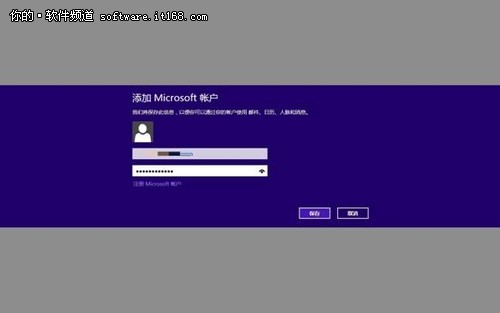
- 登入帳戶:開啟行事曆提示登入 Microsoft 帳戶。
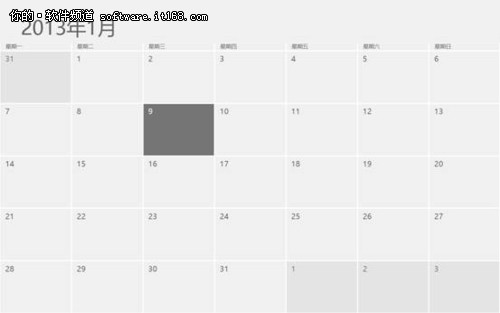
- 介面概覽:左上角顯示年月,當日以突出色彩標示,不同月份顏色區隔。
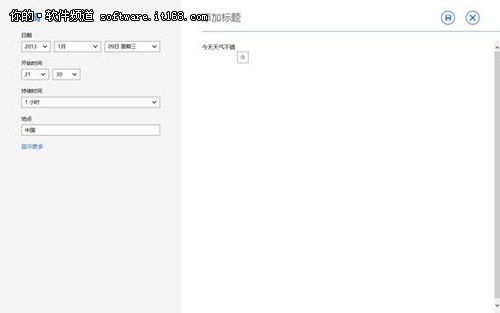
- 新增事件:點選任意日期進入詳細頁面,輸入標題、地點、時間、提醒設定。
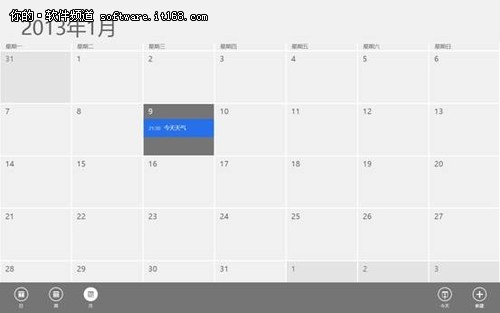
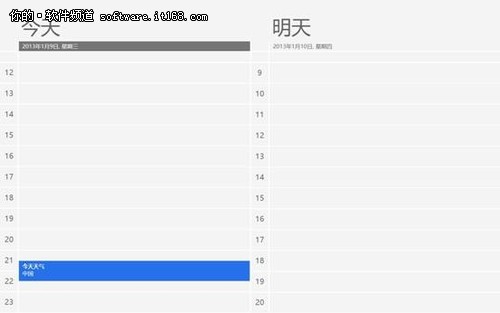
- 檢視模式切換:在行事曆介面右鍵點選,底部選單可切換「日、週、月」檢視,並可直接「新增」事件。
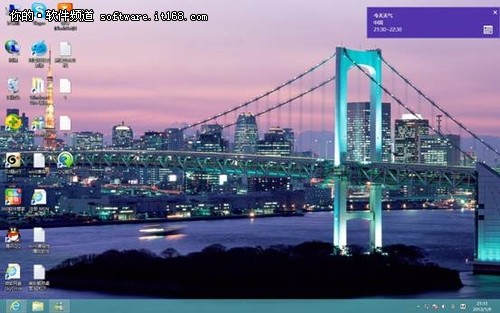
- 桌面提醒:桌面右上角會即時顯示當日行事提醒,不遺漏重要事項。
總結
行事曆應用操作直覺,雖功能精簡但涵蓋核心需求,桌面通知提醒更添實用性,適合日常行程管理。